2. Carefully reinstall the collection
receptacle in the machine, ensure
that the hooks on the rear of the
cover engage.
3. Install the filter grille, ensure that
it aligns in the hooks at the
bottom of the collection
receptacle. Reinstall the 4
mounting screws.
4. Carefully reinstall the
condensation water filter. Ensure
that the filter slides in under the
locating hooks in the collection
receptacle.
5. Carefully replace the air filter,
ensure it is inside the support
edge and seals tightly.
Accessories and consumables
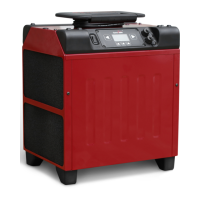
The following parts are available as accessories and consumables for K3 HP:
Hygrostat HS1-5 (5m cable)
Condensation water filter
Fault tracing
The capacity of the drier
seems to be low
Low ambient temperature or
low relative air humidity.
The air flow is heavily reduced
because of dirty filter.
If the dehumidifier is used with
a hygrostat, this may be
Check relative air humidity.
Increase the temperature in
the area.
Replace the filter.
Check the external hygrostat
function by raising and
lowering its setpoint and note



 To Next Page