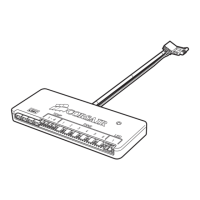
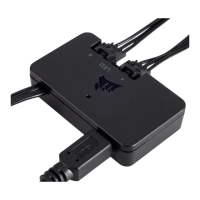
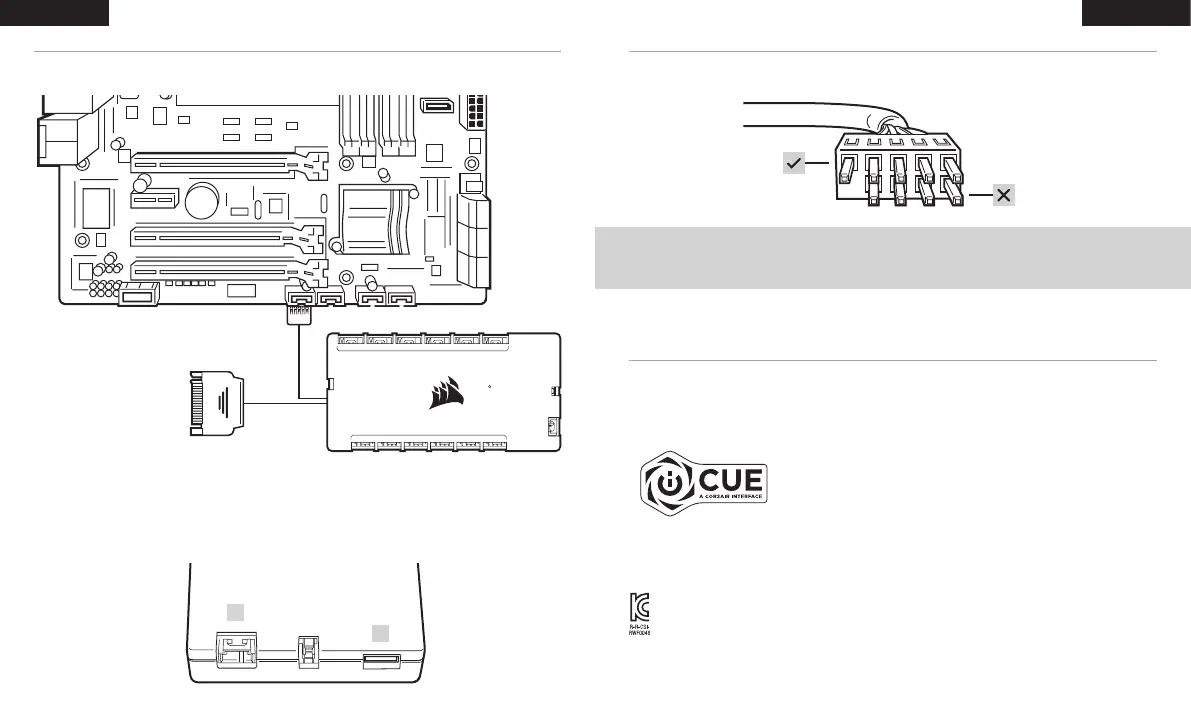
CONNECT THE COMMANDER CORE XT TO USB 2.0 HEADER AND POWER
INSTALLATION INSTALLATION
CONNECT OPTIONAL CORSAIR ACCESSORIES
> Plug CORSAIR Hydro X components or RGB LED strips into the 3-pin “RGB (C)” header. Additional accessories
sold separately. Visit CORSAIR.com for a list of compatible devices.
> “ID (E)” access port is for compatible CORSAIR devices.
OPTIONAL: CONNECT A USB 2.0 DEVICE
NOTE: Remove protective cap from the pass-through cable. Only the row with five pins are active. The four pins
are inactive.
65 4 3 2 1
FANS
RGB
TEMP 2
TEMP 1
ID
65 4 3 2 1
RGB HUB
DOWNLOAD CORSAIR iCUE
> CORSAIR iCUE will automatically identify the type and quantity of compatible CORSAIR RGB fans that are
plugged into the COMMANDER CORE XT’s RGB HUB port. Visit CORSAIR.com for a list of compatible devices.
> Re-arrange the fan order and rotation through CORSAIR iCUE to ensure lighting effects are displayed properly.
> For the full CORSAIR iCUE experience such as intelligent CORSAIR RGB fan detection, order and rotation,
please download our latest CORSAIR iCUE software at www.CORSAIR.com/downloads.
· An internet connection is required for software download.
C
E
R-R-CSI-RWF0048
Product Name (제품명칭): COMMANDER CORE XT
Model No.(모델명): RWF0048
43
ENGLISH ENGLISH


 To Next Page
 Loading...