Setting Oven Controls
Selection of cooking temperature is carried out by turning the knob clockwise to the required
temperature. The warning light will illuminate during the heating process. Once the oven
reaches desired temperature, the light will go out. Regular flashing means that the oven
temperature is being maintained at the programmed level.
39
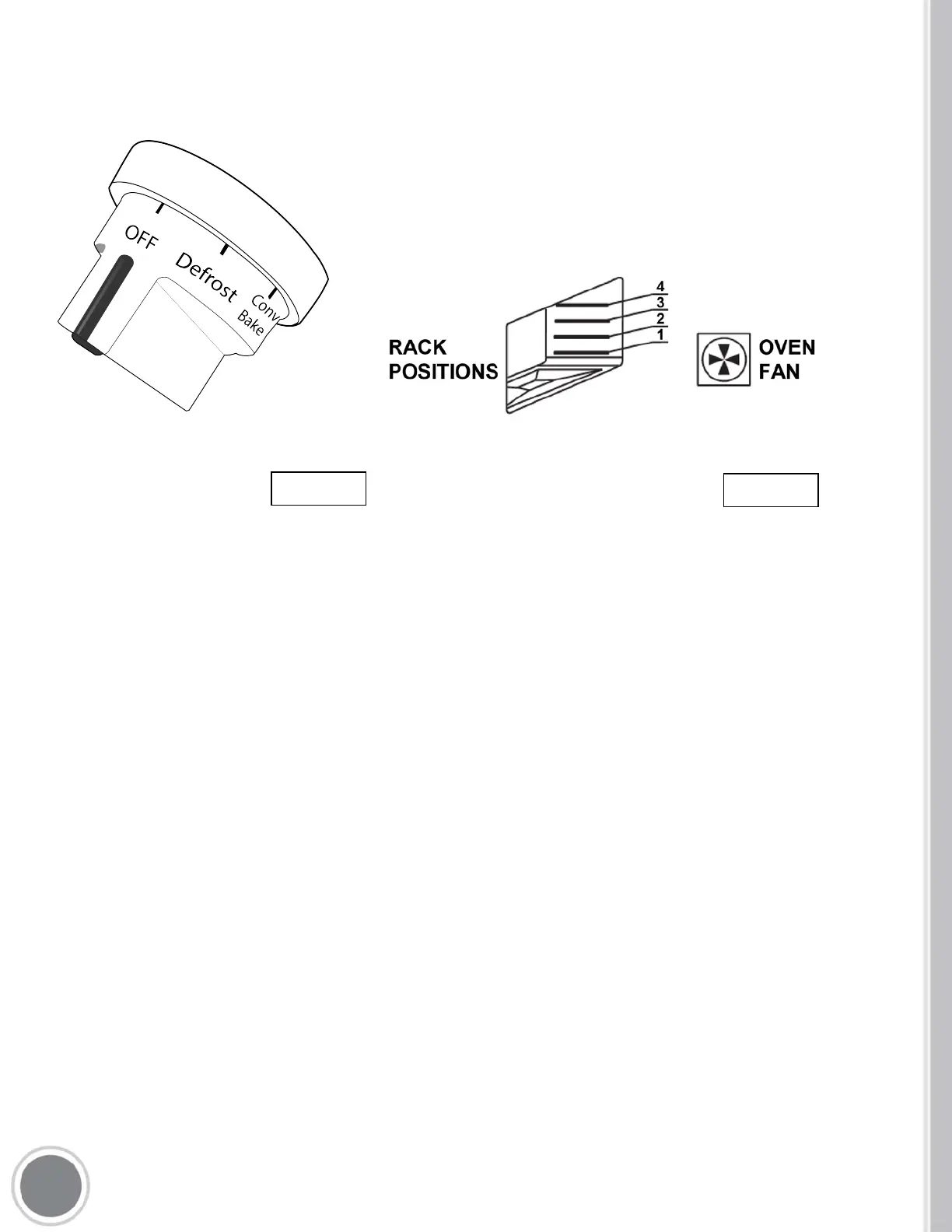
KNOB SETTINGS
New knob design now features oven controls directly on the
knob. Simply twist to desired setting to set that cooking
mode. (see below for modes)
DEFROST (Bottom fan)
All types of food can be defrosted by circulating air at room temperature: cakes, cream, fruit, etc.
For foods such as: meat, fish, and bread you will want to set the fan temperature to 175-200° C
(347-392° F).
CONVECTION BAKE (Cooking element & Fan)
THERMOSTAT SELECTOR SWITCH FROM 60° C (140° F) TO MAX
This method allows even-heat multi-rack cooking for various types of foods with the appropriate
cooking times for each dish. The oven must be preheated before the foods are placed inside.
Use the ‘Fan Forced’ function to operate.


 To Next Page
 Loading...