1
Set current day and time
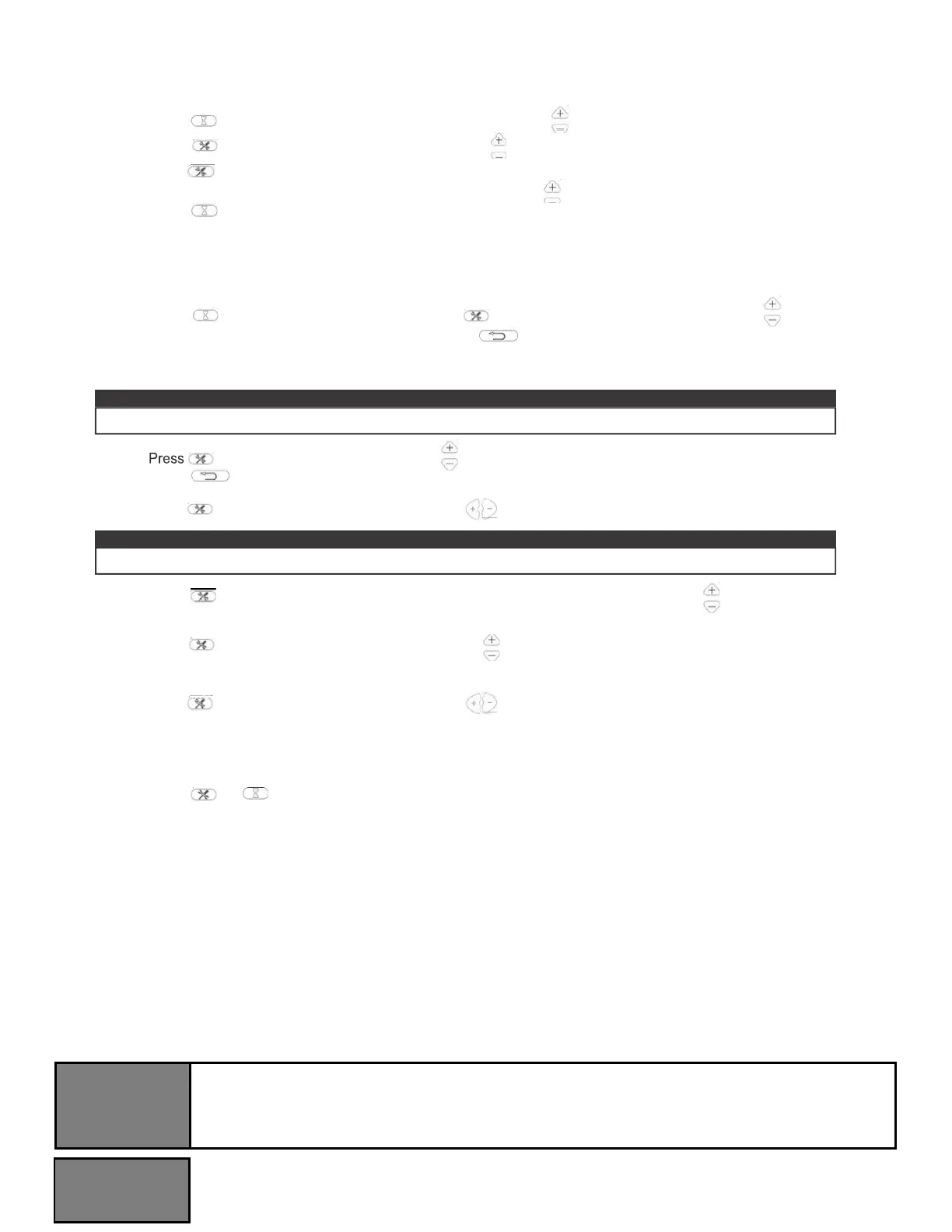
1. Press
2. Press
once. When “MON” (Monday) begins flashing, use to select the current day.
. When the hour digits begin flashing, use to select the current hour.
3. Press
4. Press
again. When the minute digits begin flashing, use
again. The current time is now set.
to select the current minute.
2
Set ON/OFF time and temperature on a weekly cycle
1.
Press
. When “MON” begins flashing, press
the desired hour and minute to turn on the heater.
“ON” timer.
3
times. When “ON” begins flashing, use to select
at any time to clear the digits and shut down
note:
3.
Press again. When “18” begins flashing, use to select the desired temperature for Monday.
note:
4.
Press again. When “TUES” appears on the screen and “ON” begins flashing, use to select the desired
hour and minute to turn on the heater for Tuesday.
5.
Press again. When “OFF” begins flashing, use to select the desired hour and minute to turn off the
heater for Tuesday.
6.
Press again. When “18” begins flashing, use to select the desired temperature for Tuesday.
7.
Repeat steps 1 to 6 to set the “ON/OFF” time and temperature for Wednesday, Thursday, Friday,
Saturday, and Sunday.
8.
Press or to complete programming, ensuring to aim the remote control at the receiver, located
in the
middle of the appliance. The appliance will “beep” once to confirm that programming has been successful.
Open window warning
If the room temperature decreases by 10 degrees within 3 minutes, the appliance will assume there is an open window
nearby. In order to conserve energy, the heater will automatically switch from High Heat to Low Heat, or if the heater is
already at Low Heat, it will turn off completely.
When switching from High Heat to Low Heat, the appliance will beep 3 times and the digital display will flash “88” 3 times
before displaying the existing heating status.
When switching from Low Heat to Off, the appliance will beep 3 times and the digital display will flash “88” continuously.
To reset the heating function, see “operating remote control” section.


 To Next Page