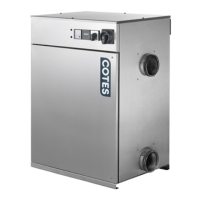
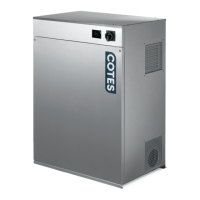
Cotes dehumidifier: 650000
6.2 TROUBLESHOOTING
Before contacting the Cotes Technical Support, please review the list of possible problems below.
The list is helpful in identifying faults that are easy to remedy without the assistance of qualified personnel.
Table 2 Troubleshooting
The dehumidifier
does not start
when connected
to the power
supply.
1. The external fuse has
turned off.
2. The external hygrostat
has switched off. This is
a normal situation when
the desired
relative humidity is
obtained.
3. The internal fuse has
turned off.
1. Check the external fuse.
2. Adjust hygrostat to the lowest value.
The dehumidifier should start operating.
Adjust again to the desired humidity.
3. Replace the internal fuse.
Desired
humidity is not
obtained
The problem may be the
dehumidifier - or other parts
of the entire installation
(airtightness, hygrostat ...).
1. Check that the fans are moving air.
If not, replace the broken fan.
2. Check that the rotor is turning
as intended.
If not, replace the gearmotor.
3. Check that the dry air outlet
is warmer than the inlet.
4. Check that the regeneration air outlet is warmer
than the inlet by approx.
40-60 °C depending on temperature conditions
of inlet.
5. Check that the value on the ammeter
is approx. 4,5A.
If fans and rotor are working, replace the
heating element.


 To Next Page