MAINTENANCE AND CARE
Filter Changes
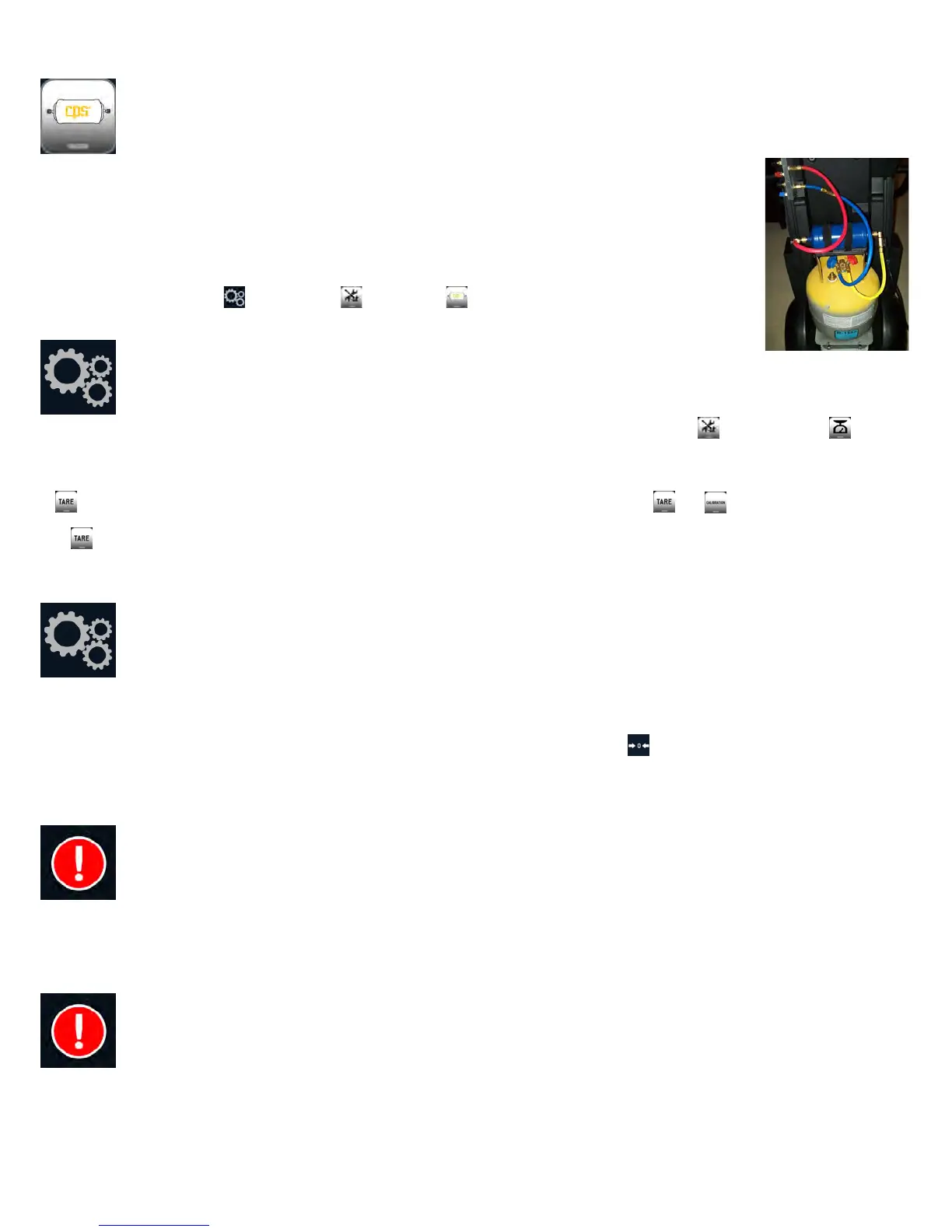
The filter/dryer has the capacity to dry 150lbs of recovered refrigerant. A filter life monitor is displayed on the Home
screen. When indicated the filter must be changed.
To change the filter:
1. Remove the black plastic tank cover. Have the filter reset code available before proceeding. It comes with each
new filter.
2. On the display Press the key and select . Then select
3. Follow the displayed directions. Replace the black tank cover when completed.
Scale Maintenance
Use this mode to check, tare or calibrate the internal tank scale. To access “Scale Maintenance”, press the icon, then select
Select the desired function and follow the on screen instructions. To perform the “Test” mode, you will need to remove the black plastic tank
cover and then use the 1lb test weight included with the system. The Test mode will alert the user to the need to re-calibrate the scale.
A requires lifting the tank while operating the display. It is best to have two people available for and
Use to reset the empty tank weight to zero, thereby enabling indication of the refrigerant weight. Calibration is suggested only if the
calibration test was off by more than .02lbs. Calibration may be performed by a service center. CPS technical support can also assist with
the process. Calibration requires a certified 25lb weight.
Pressure Transducer Maintenance
Use this mode if you suspect that the internal pressure transducer readings are inaccurate. The internal pressure transducers are used during
recovery, vacuum, air purge and in the manifold mode.
To enter this mode, press the maintenance icon. Then select PT. This will allow the transducer to be set, or calibrated. Calibration will
require a certified pressure source above 70 PSIG.
Follow the displayed direction for the select transducer maintenance function.
High Pressure Alert
The FX3030 will alert the user should a high pressure condition exist on the outlet side of the compressor. When such a condition is
detected, the compressor will be turned off and not allowed to restart until the high pressure condition is remedied. In such case, check that
the tank valves and hose ball valves to the tank and filter are all open. If all valves are open, then contact technical support to determine the
cause of the alarm.
Tank Overfill Limit
The FX Series’ 50lb internal storage tank is designed to contain a maximum of 38lbs of refrigerant. If this amount is exceeded, the user will
be alerted and system operations will be halted. Before normal operation can continue, the overfill condition must be remedied by moving
refrigerant from the FX tank to another storage tank or into a vehicle AC system. The charge function may be used to transfer internally
stored refrigerant to an external storage facility.


 To Next Page