• Switch the device to the ON position (O = Off, – = On).
• Allow 1 minute for the router to run through its bootup sequence.
• Refer to the Understanding LEDs section of this guide for more information about LED indicator status.
Understanding LEDs
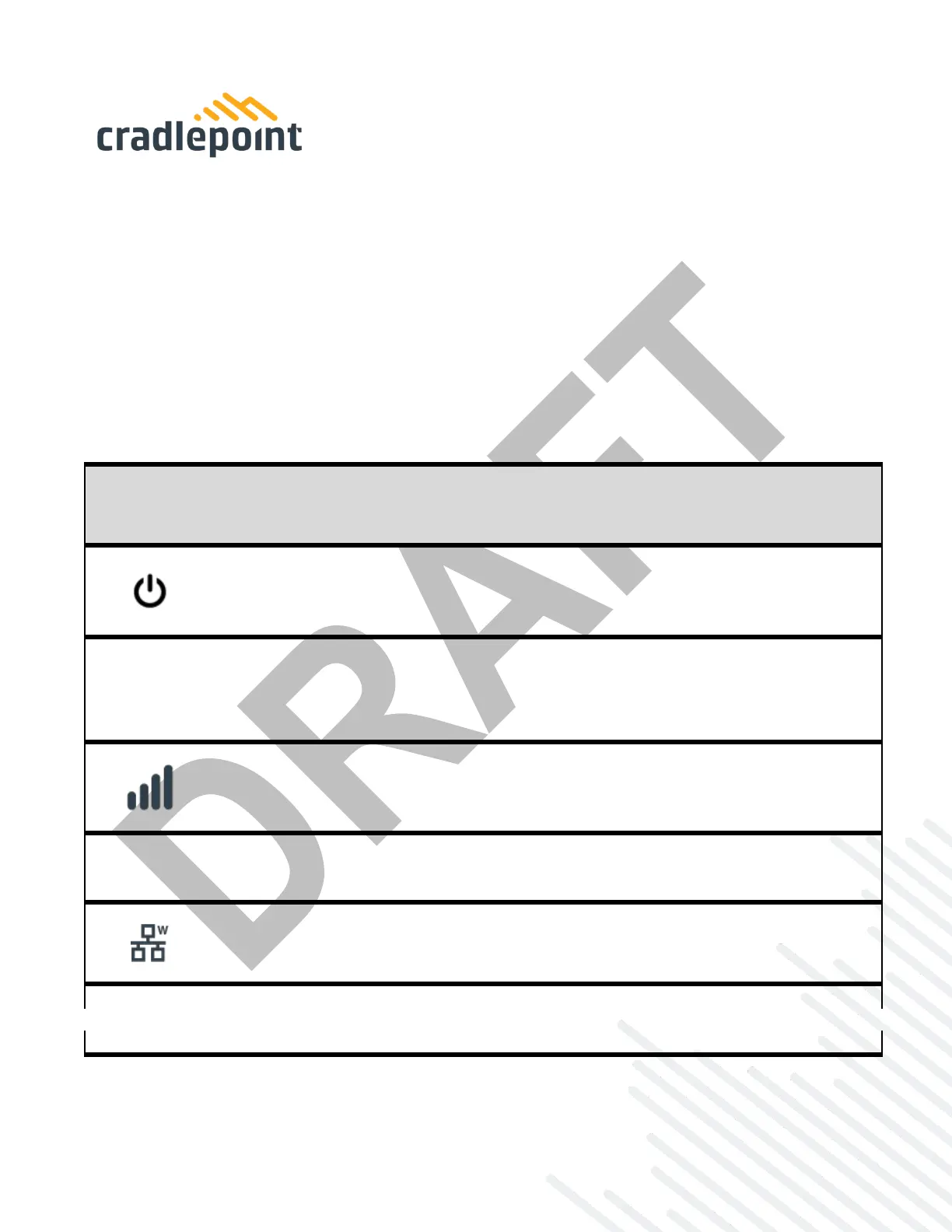
The E110 router uses LED lights on the front panel to communicate various status conditions. Use the
table below to verify the status of your router after the 1-minute bootup cycle.
NOTE: The icons are only visible when powered on and backlit.
POWER: The Cradlepoint E100 must be powered using an approved 54 VDC power source.
No Light = Not receiving power. Check the power switch and the power source
connection.
Yellow = Battery at less than 20%.
Blinking Yellow = Battery needs replacement.
SIGNAL STRENGTH: LED bars indicate the active modem’s signal strength.
4 Solid Bars = Strongest signal.
1 Blinking Bar = Weakest signal (A blinking bar indicates half of a bar).
4 Blinking Bars = SIM door is not installed, modem is off.--
ETHERNET WAN: Indicates the status of the Ethernet WAN connection
No Light = Not connected to an active Ethernet WAN interface.
White = Connected to an active Ethernet WAN interface.
Yellow = No Ethernet WAN connection.















 To Next Page