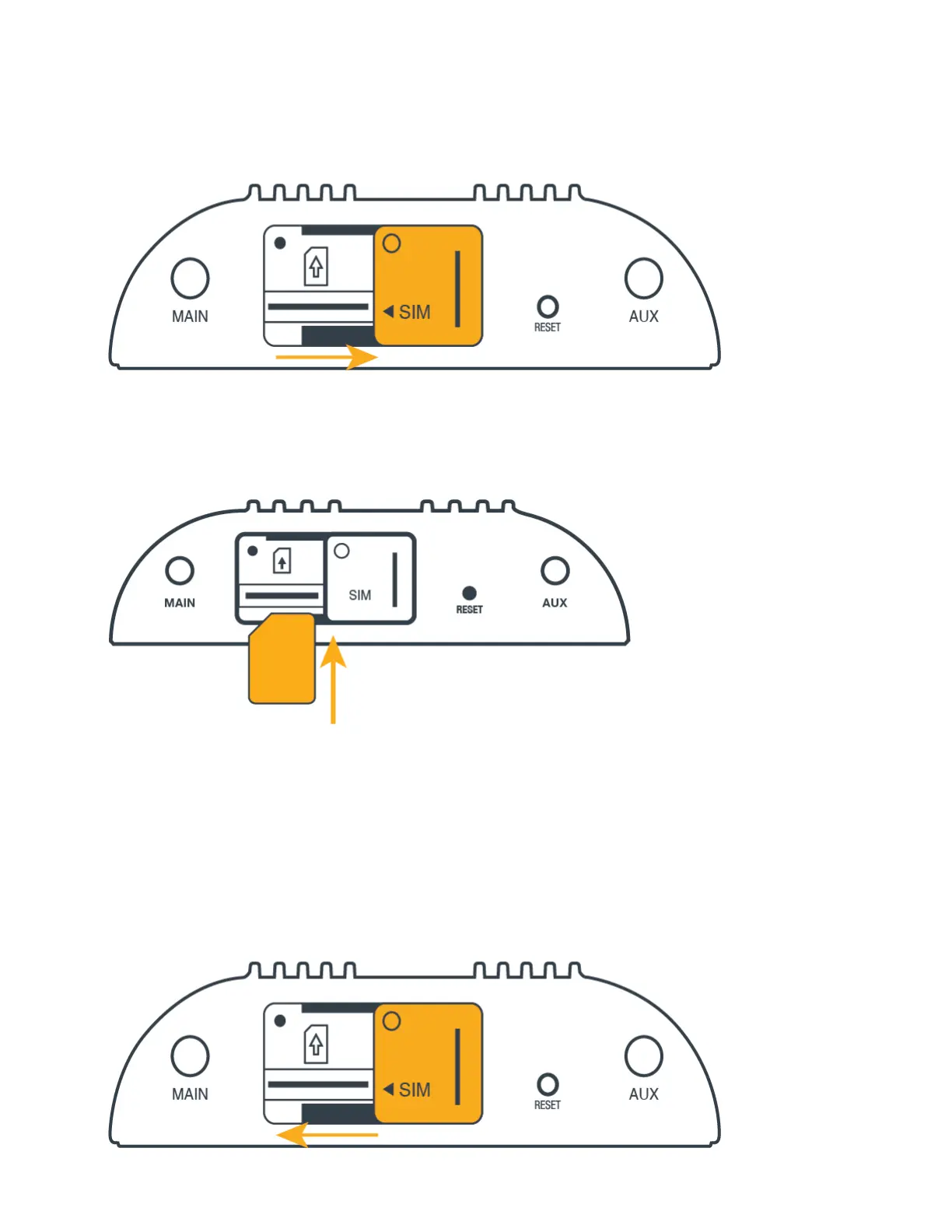
STEP 3: Insert an active 2FF-sized SIM.
Insert an activated 2FF-sized SIM card into the SIM slot (contacts down, notch in). The SIM card will click into place.
Note: To remove, depress the SIM card.
STEP 4: Close and secure the SIM slot cover.
Slide the SIM cover to the left and replace the screw. Tighten the screw to secure the cover.















 To Next Page