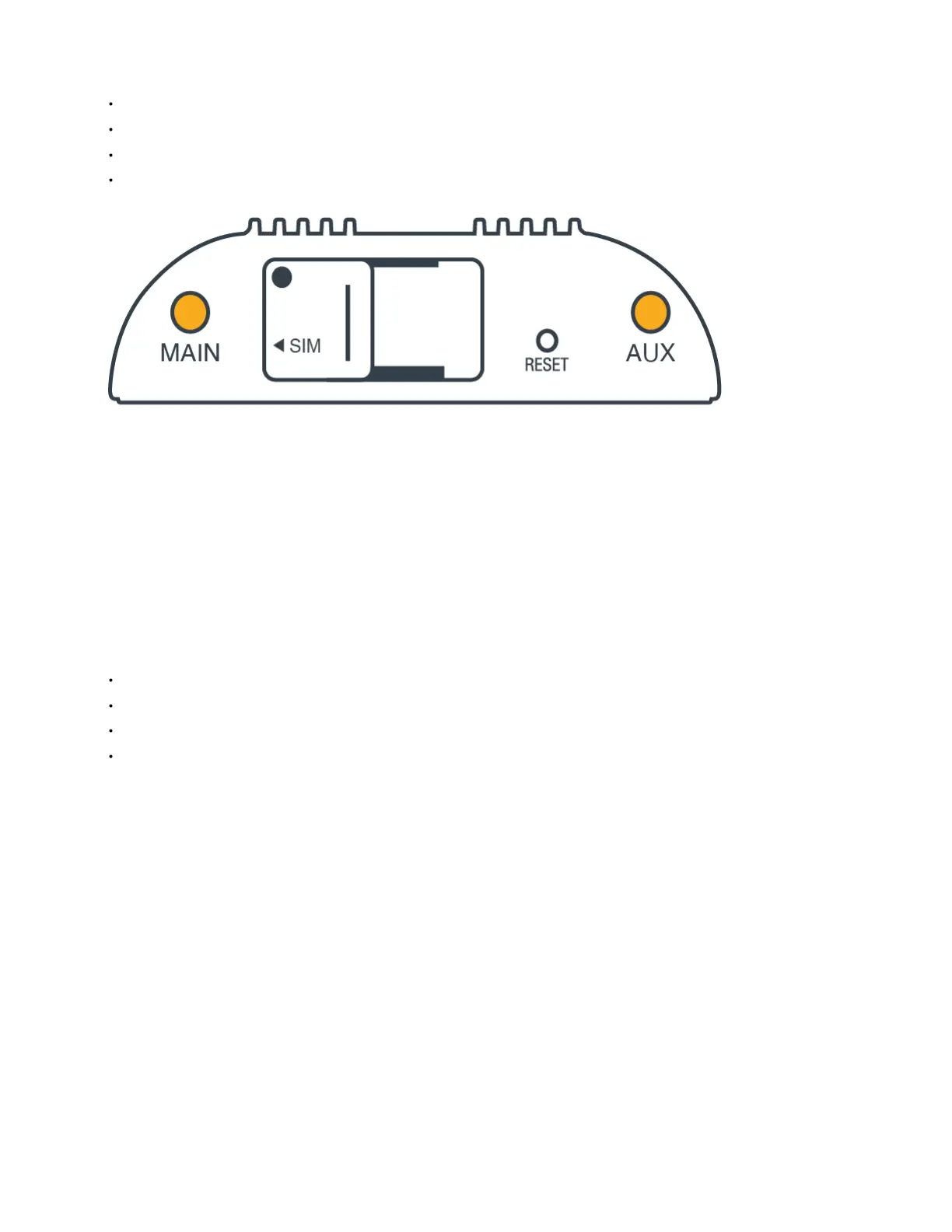
STEP 5: Attach the LTE cellular antennas.
Install the LTE cellular (paddle) antennas on the MAIN and AUX ports.
Hold the antenna straight and twist the base to thread onto the connector.
Tighten with fingers only (maximum torque not to exceed 4 in-lbs).
Do not over-tighten.
Once the router is mounted and powered on, angle the antennas for optimal signal reception.
STEP 6: Attach the Wi-Fi antenna.
Install the Wi-Fi antenna on the port marked 2.4GHz.
Hold the antenna straight and twist the base to thread onto the connector.
Tighten with fingers only (maximum torque not to exceed 4 in-lbs).
Do not over-tighten.
Once the router is mounted and powered on, angle the antennas for optimal signal reception.















 To Next Page