STEP 7: Mount the router.
The IBR200 router may be affixed to a wall or mounted on the ceiling. Refer to the following for best practices:
Hold the router in the desired position and location and then use a pen or marker to mark the placement location for the screws.
Ensure the mounting location is away from objects that cause RF interference, including concrete, reflective and metal surface, microwaves, and so on.
Pre-drill holes for the mounting screws. The mounting holes on the router are 0.2 in (5.2 mm) diameter.
Use wall anchors to ensure the endpoint is securely mounted.
STEP 8: Connect the Ethernet cable.
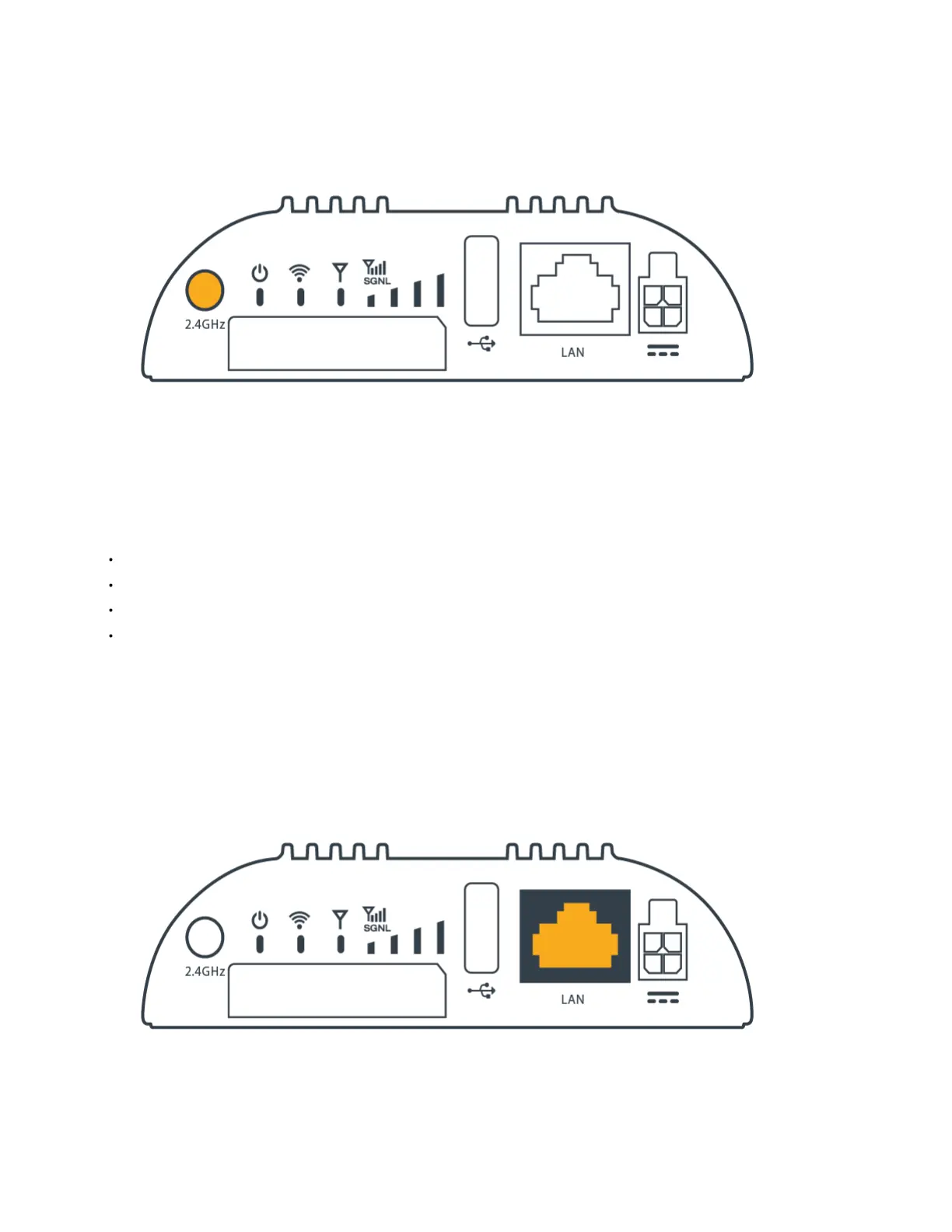
Connect the Ethernet cable to the port marked LAN on the back of the IBR200. Connect the other end to your cable modem.















 To Next Page