CRADLEPOINT COR | USER MANUAL Firmware ver. 5.0.0
© 2013 CRADLEPOINT, INC. PLEASE VISIT HTTP://KNOWLEDGEBASE.CRADLEPOINT.COM/ FOR MORE HELP AND RESOURCES PAGE 177
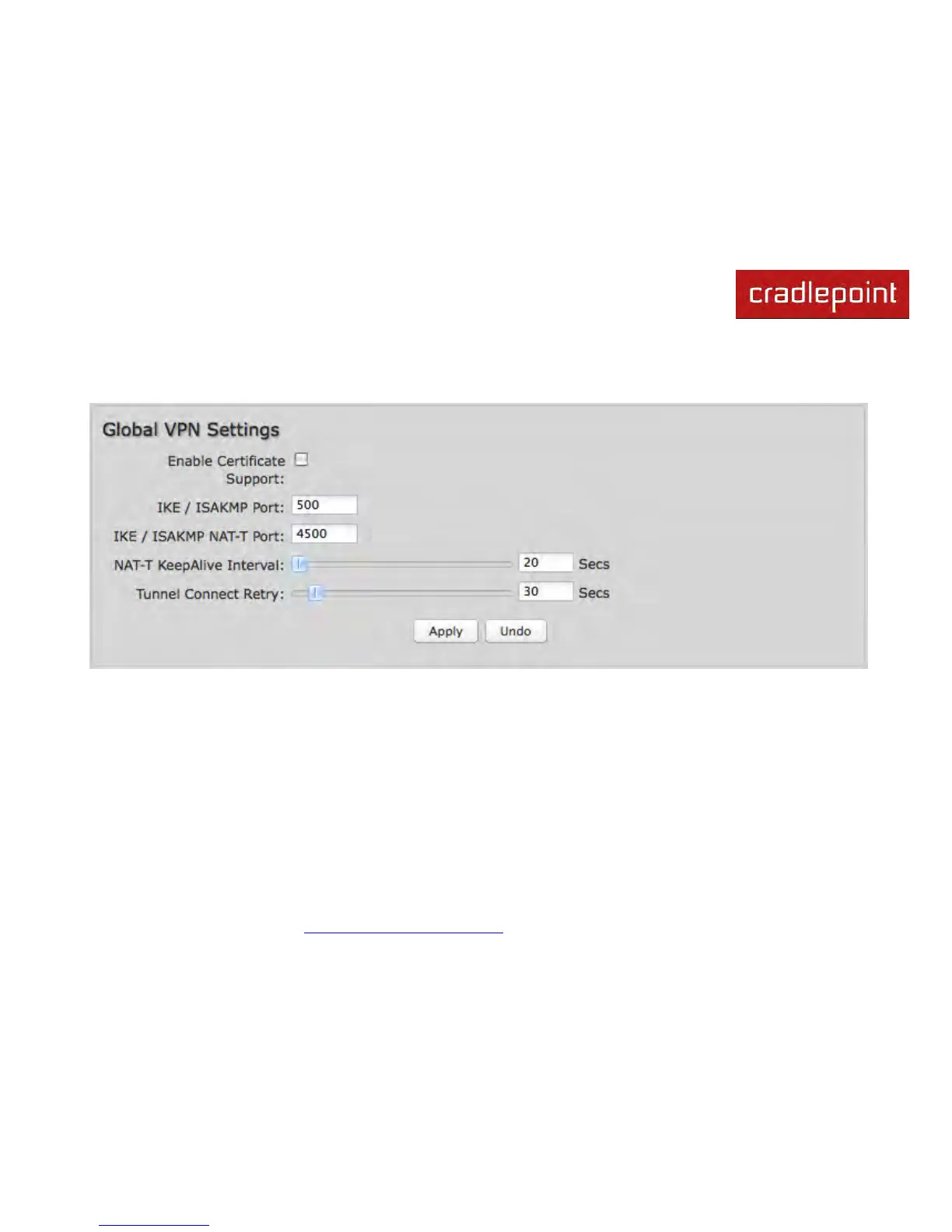
7.9.7 Global VPN Settings
These settings apply to all configured VPN tunnels.
Enable Certificate Support: Enabling Certificate Support will allow you to load a certificate for VPN to the router. Click
the “Upload Certificate” button that appears to browse for a certificate on a local device. Disabling certificate support will
no longer use any previously loaded certificate but will not delete it from the router. Only one certificate at a time is
supported.
IKE / ISAKMP Port: Internet Key Exchange / Internet Security Association and Key Management Protocol port. Default:
500. This is a standard VPN port that usually does not need to be changed.
IKE / ISAKMP NAT-T Port: Internet Key Exchange / Internet Security Association and Key Management Protocol network
address translation traversal port. Default: 4500. This is a standard VPN NAT-T port that usually does not need to be
changed.













 To Next Page