CRADLEPOINT COR | USER MANUAL Firmware ver. 5.0.0
© 2013 CRADLEPOINT, INC. PLEASE VISIT HTTP://KNOWLEDGEBASE.CRADLEPOINT.COM/ FOR MORE HELP AND RESOURCES PAGE 22
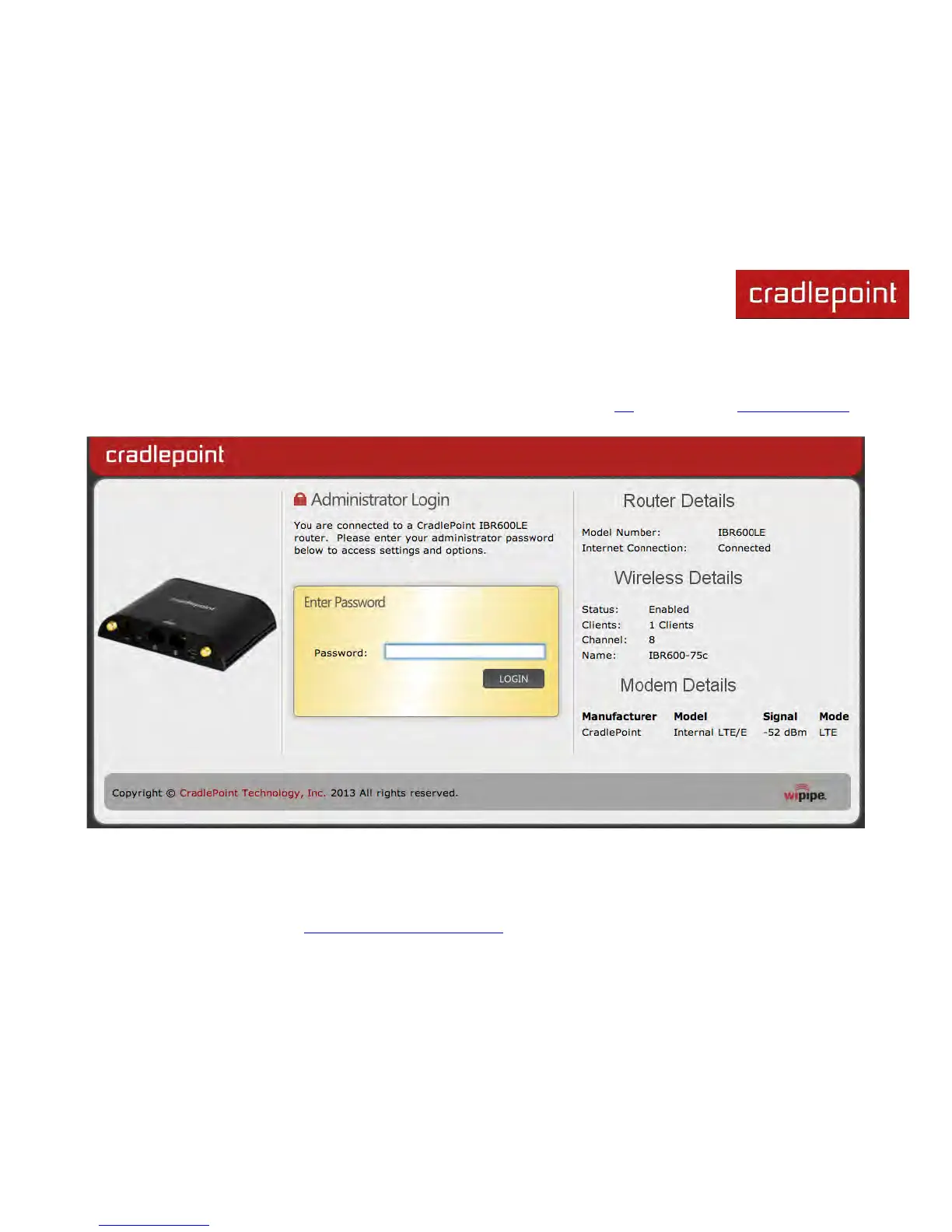
4.1 Administrator Login
To access the administration pages, open a Web browser and type the hostname “cp/” or IP address “http://192.168.0.1”
into the address bar. The Administrator Login page will appear.
Log in using your administrator password. Initially, this password can be found on the bottom of the IBR600/IBR650 unit
as the Default Password. This password is also the last eight digits of the unit’s MAC address.












 To Next Page