CRADLEPOINT MBR95 | USER MANUAL Firmware ver. 3.6.3
© 2011 CRADLEPOINT, INC. PLEASE VISIT HTTP://KNOWLEDGEBASE.CRADLEPOINT.COM/ FOR MORE HELP AND RESOURCES PAGE 25
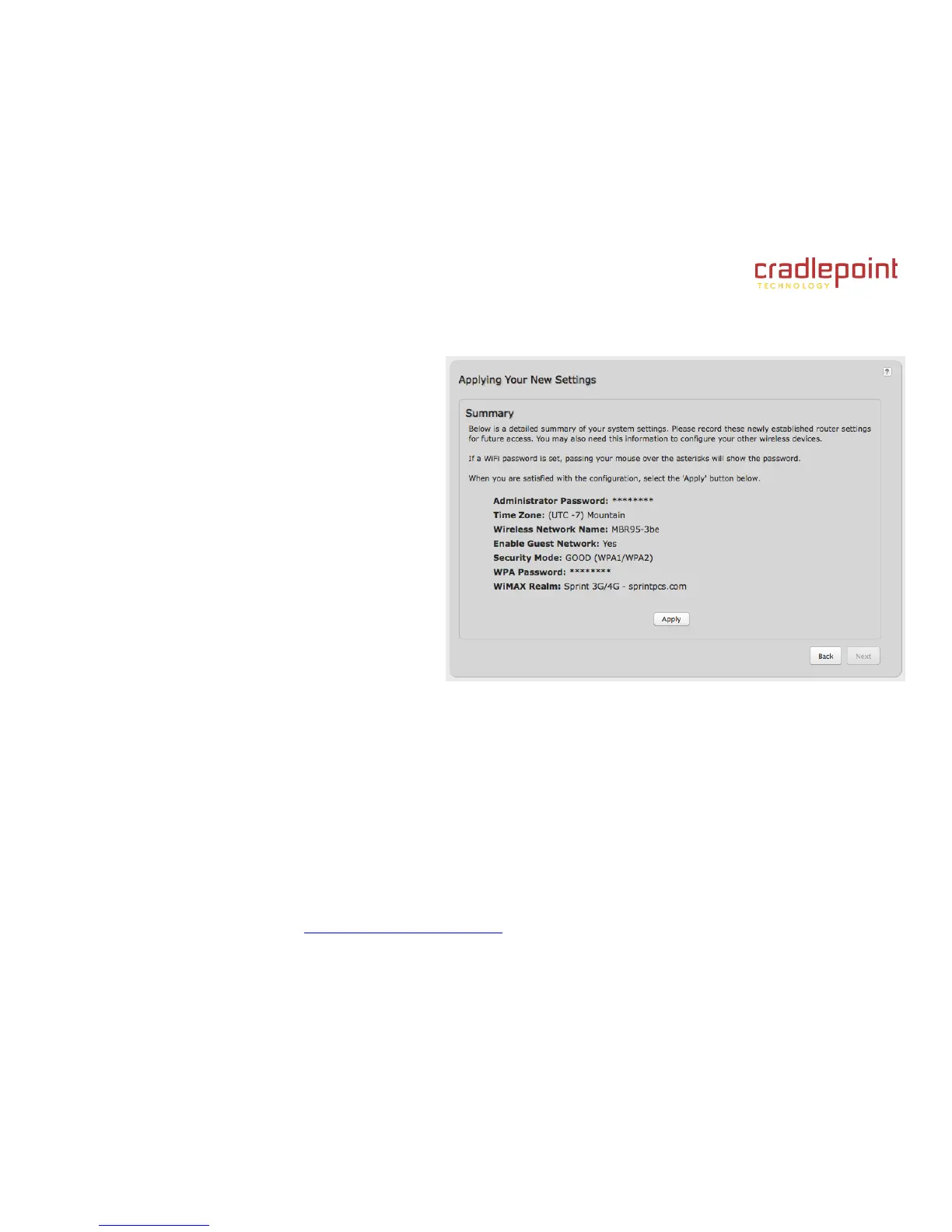
8) Review the details and record your wireless
network name, administrative password, and WPA
password (or WEP key). Move your mouse over
the passwords to selectively reveal each
password.
Please record these settings for future access.
You may need this information to configure other
wireless devices.
NOTE: If you are currently using the MBR95 WiFi network,
reconnect your devices to the network using the new
wireless network name and security password.
Click APPLY to save the settings and update them
to your router.















 To Next Page