CRADLEPOINT MBR95 | USER MANUAL Firmware ver. 3.6.3
INTERNET → CONNECTION MANAGER
© 2011 CRADLEPOINT, INC. PLEASE VISIT HTTP://KNOWLEDGEBASE.CRADLEPOINT.COM/ FOR MORE HELP AND RESOURCES PAGE 86
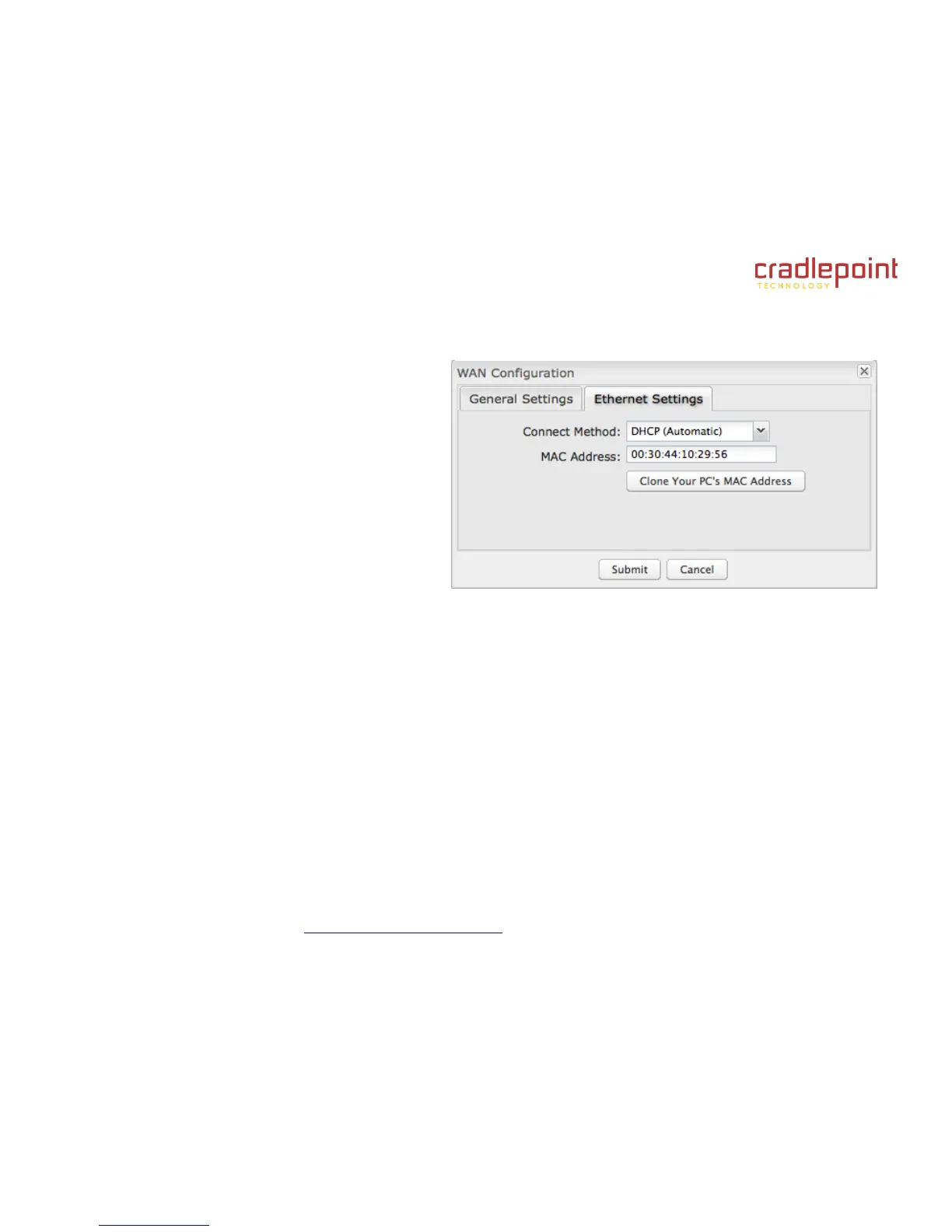
7.1.4 Ethernet Settings
While default settings for each WAN Ethernet port will
be sufficient in most circumstances, you have the
ability to control:
Connect Method: DHCP (Automatic), Static
(Manual), or PPPoE (Point-to-Point Protocol
over Ethernet).
MAC Address: You have the ability to change
the MAC address, but typically this is
unnecessary. You can match this address with
your device’s address by clicking: “Clone Your
PC’s MAC Address”.
Connect Method
Select the connection type that you need for this WAN connection. You may need to check with your ISP or system
administrator for this information.
DHCP (Dynamic Host Configuration Protocol) is the most common configuration. Your router’s Ethernet ports are
automatically configured for DHCP connection. DHCP automatically assigns dynamic IP addresses to devices in
your networks. This is preferable in most circumstances.
Static allows you to input a specific IP address for your WAN connection; this should be provided by the ISP if
supported.
PPPoE should be configured with the username, password and other settings provided by your ISP.
If you want to use a Static (Manual) or PPPoE connection, you will need to fill out additional information.















 To Next Page