EasyManua.ls Logo

Craftsman 19741 - Auto Power off; Auto;Manual Ranging; Data Hold; Backlight

Craftsman 19741
10 pages
Print Icon
To Next Page IconTo Next Page
To Previous Page IconTo Previous Page
Loading...
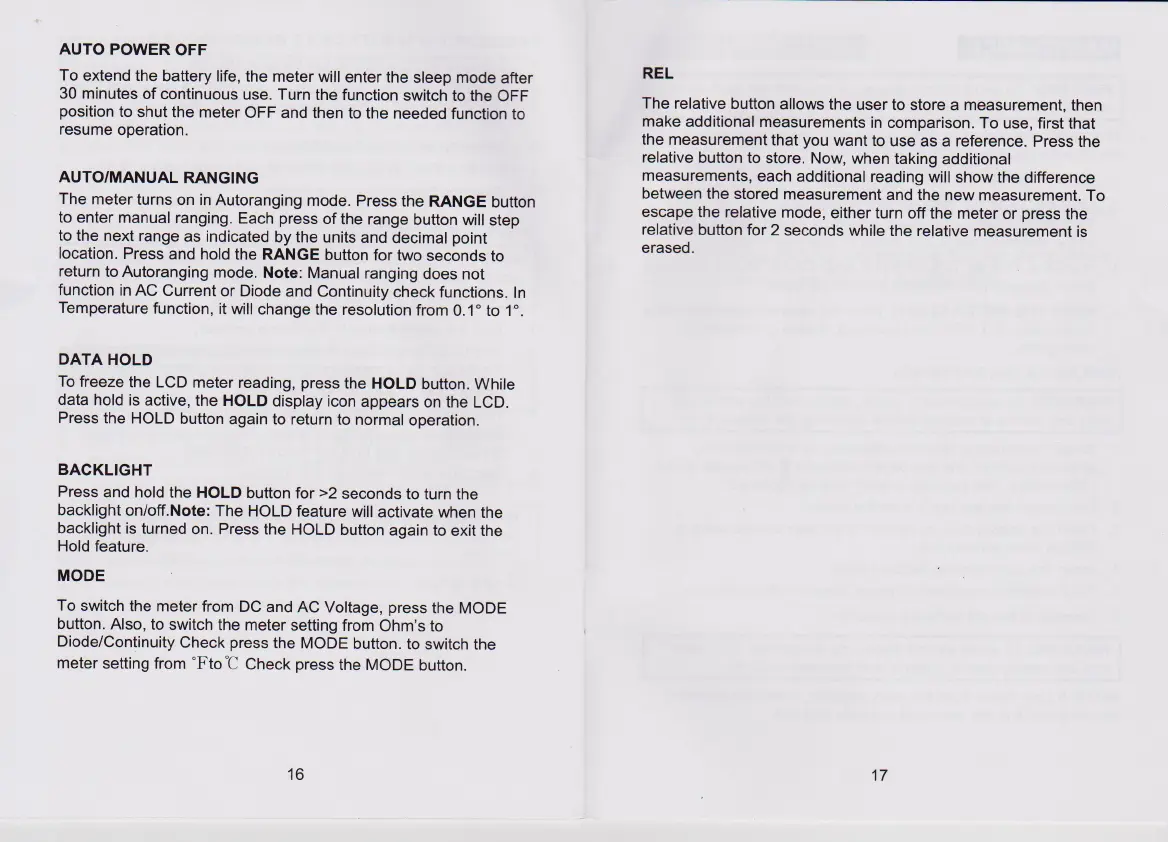
AUTO
POWER
OFF
To
extend
the
battery
life,
the
meter
will
enter
the
sleep
mode
after
30
minutes
of
continuous
use.
Turn
the
function
switch
to
the
OFF
position
to
shut
the
meter
OFF
and
then
to
the
needed
function
to
resume
operation.
AUTO/MANUAL
RANGING
The
meter
turns
on
in
Autoranging
mode.
Press
the
RANGE
button
to
enter
manual
ranging.
Each
press
of
the
range
button
will
step
to
the
next
range
as
indicated
by
the
units
and
decimal
point
location.
Press
and
hold
the
RANGE
button
for
two
seconds
to
return
to
Autoranging
mode.
Note:
Manual
ranging
does
not
function
in
AC
Current
or
Diode
and
Continuity
check
functions.
In
Temperature
function,
it
will
change
the
resolution
from
0.1°
to
1°.
DATA
HOLD
To
freeze
the
LCD
meter
reading,
press
the
HOLD
button.
While
data
hold
is
active,
the
HOLD
display
icon
appears
on
the
LCD.
Press
the
HOLD
button
again
to
return
to
normal
operation.
BACKLIGHT
Press
and
hold
the
HOLD
button
for
>2
seconds
to
turn the
backlight
on/off.Note:
The
HOLD
feature
will
activate
when
the
backlight
is
turned
on.
Press
the
HOLD
button
again
to
exit
the
Hold
feature.
MODE
To
switch
the
meter
from
DC
and
AC
Voltage,
press
the
MODE
button.
Also,
to
switch
the
meter
setting
from
Ohm’s
to
Diode/Continuity
Check
press
the
MODE
button.
to
switch
the
meter
setting
from
°F
to
‘C
Check
press
the
MODE
button.
16
REL
The
relative
button
allows
the
user
to
store
a
measurement,
then
make
additional
measurements
in
comparison.
To
use,
first
that
the
measurement
that
you
want
to
use
as
a
reference.
Press
the
relative
button
to
store.
Now,
when
taking
additional
measurements,
each
additional
reading
will
show
the
difference
between
the
stored
measurement
and
the
new
measurement.
To
escape
the
relative
mode,
either
turn
off
the
meter
or
press
the
relative
button
for
2
seconds
while
the
relative
measurement
is
erased.
17

Related product manuals