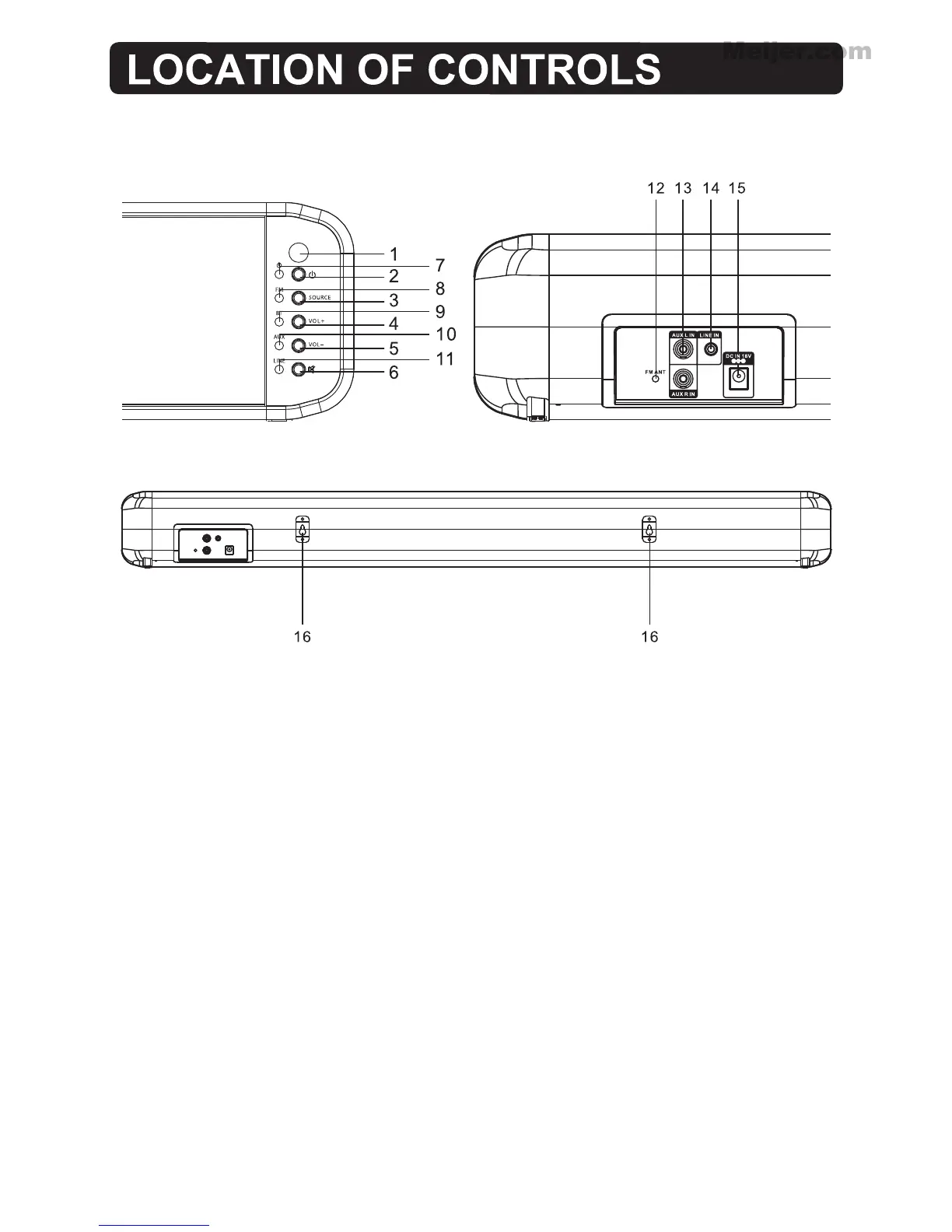
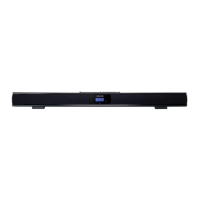
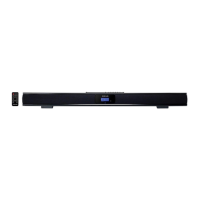
1. REMOTE SENSOR: Ensure this area is not covered or blocked by any object.
2. STANDBY button: Press to turn the speaker bar off or on.
3.
SOURCE button: Press repeatedly to select the input sound to BT (Bluetooth receiver),
AUX, LINE in or FM.
4. VOLUME +: Press to increase volume.
5. VOLUME -: Press to decrease volume
6. MUTE: Press to mute the sound, press again to resume.
7. STANDBY Indicator.
8. FM Indicator.
9. BT Indicator.
10. AUX Indicator.
11. LINE IN Indicator.
12. FM antenna.
13. AUX L/R IN jacks.
14. 3.5mm LINE IN jack.
15. DC jack in.
16. Mounting bracket.
6



 To Next Page