EasyManua.ls Logo

Crane EE-5306 Series - User Manual

Crane EE-5306 Series
14 pages
Print Icon
To Next Page IconTo Next Page
Loading...
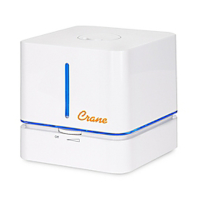
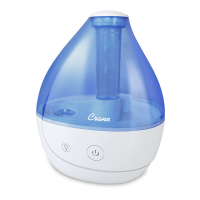
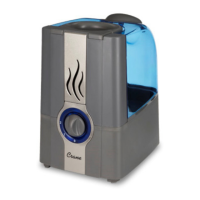
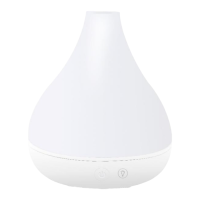
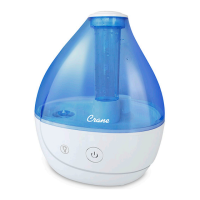
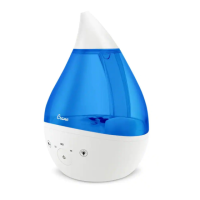
DROP Top Fill Cool Mist Humidifier
with Sound Machine

Other manuals for Crane EE-5306 Series

Questions and Answers

  • F
    Felicia McgeeAug 14, 2025
    What to do if the red light is flashing on my Crane EE-5306?
    • M
      Michelle GallagherAug 14, 2025
      If the red indicator light on your Crane Humidifier is flashing, it means the water level sensor float isn't correctly placed in the base, or there's no water in the base. Make sure the float is secure and refill the water tank.
  • J
    Jenna HollandAug 17, 2025
    Why is my Crane Humidifier light green but no mist?
    • M
      Matthew PetersonAug 17, 2025
      If your Crane Humidifier's indicator light is green but there's no mist, try the following: * Perform the weekly cleaning. * Ensure the humidifier is on a hard, flat surface and the fan vent isn't blocked. * If the base is overfilled, remove the tank, empty the base, and replace the filled tank. * Also, check that the water level sensor float is securely placed in the base.
  • T
    Tammy PopeAug 20, 2025
    Why is my Crane Humidifier leaking?
    • G
      gsanchezAug 20, 2025
      If your Crane Humidifier is leaking, the solution depends on where the leak is coming from: 1. **Water Tank Disk/Mist Nozzle:** Turn the mist level down. 2. **Tank:** Inspect the tank for cracks, especially around the seams. 3. **Humidifier Base:** Contact Customer Care.
  • A
    Amanda WatersAug 25, 2025
    How to troubleshoot power issues with my Crane EE-5306 Humidifier?
    • D
      Diana BanksAug 25, 2025
      If your Crane Humidifier isn't getting power, ensure the AC adapter is fully connected to the plug port and properly plugged into a working power outlet. If the power indicator light still doesn't turn on, contact Customer Care.
  • D
    dianabrooksAug 27, 2025
    What to do if my Crane Humidifier does not have any power?
    • F
      Faith HuntAug 27, 2025
      If your Crane Humidifier isn't powering on, first ensure the AC adapter is fully connected to the plug port and properly plugged into a working power outlet. Try another power outlet to be sure. If the power indicator light still doesn't illuminate, it's time to contact Customer Care.
  • D
    Dean PetersonAug 30, 2025
    How to fix solid red indicator light on Crane Humidifier?
    • J
      Joseph HernandezAug 30, 2025
      To address a solid RED indicator light on your Crane Humidifier, clean the Water Level Sensor Float. Pull the float from the base firmly. Remove the water level sensor float and clean it with a white vinegar/water solution. Then, replace the float by pressing it firmly back into its position in the humidifier base.
  • V
    Victor NelsonSep 3, 2025
    How to clean the water level sensor float on a Crane EE-5306?
    • F
      frenchkarlSep 3, 2025
      To clean the water level sensor float in your Crane Humidifier, firmly pull the float from the base. Clean it with a white vinegar/water solution, then press it firmly back into position in the humidifier base.
  • J
    John WilsonSep 6, 2025
    Why does white dust appear outside my Crane Humidifier?
    • B
      Brandon GarrettSep 6, 2025
      If you notice white dust settling around your Crane Humidifier, it might be due to excessive minerals in your tap water. Try using filtered or distilled water instead.
  • N
    Natalie ThomasSep 9, 2025
    What to do if there is no sound from the icon on my Crane EE-5306?
    • M
      Michael MccannSep 9, 2025
      To resolve the issue of no sound from the icon on your Crane Humidifier, gently tap the icon. Avoid long pressing it.

Summary

General Safety Instructions

Important Safety Warnings

Read and save all instructions. Failure to follow may result in electric shock, fire, or personal injury.

Electrical Safety

Use only a 100-240VAC outlet and the provided AC Adaptor. Plug and unplug with dry hands.

Assembly and Operation

Initial Setup and Water Filling

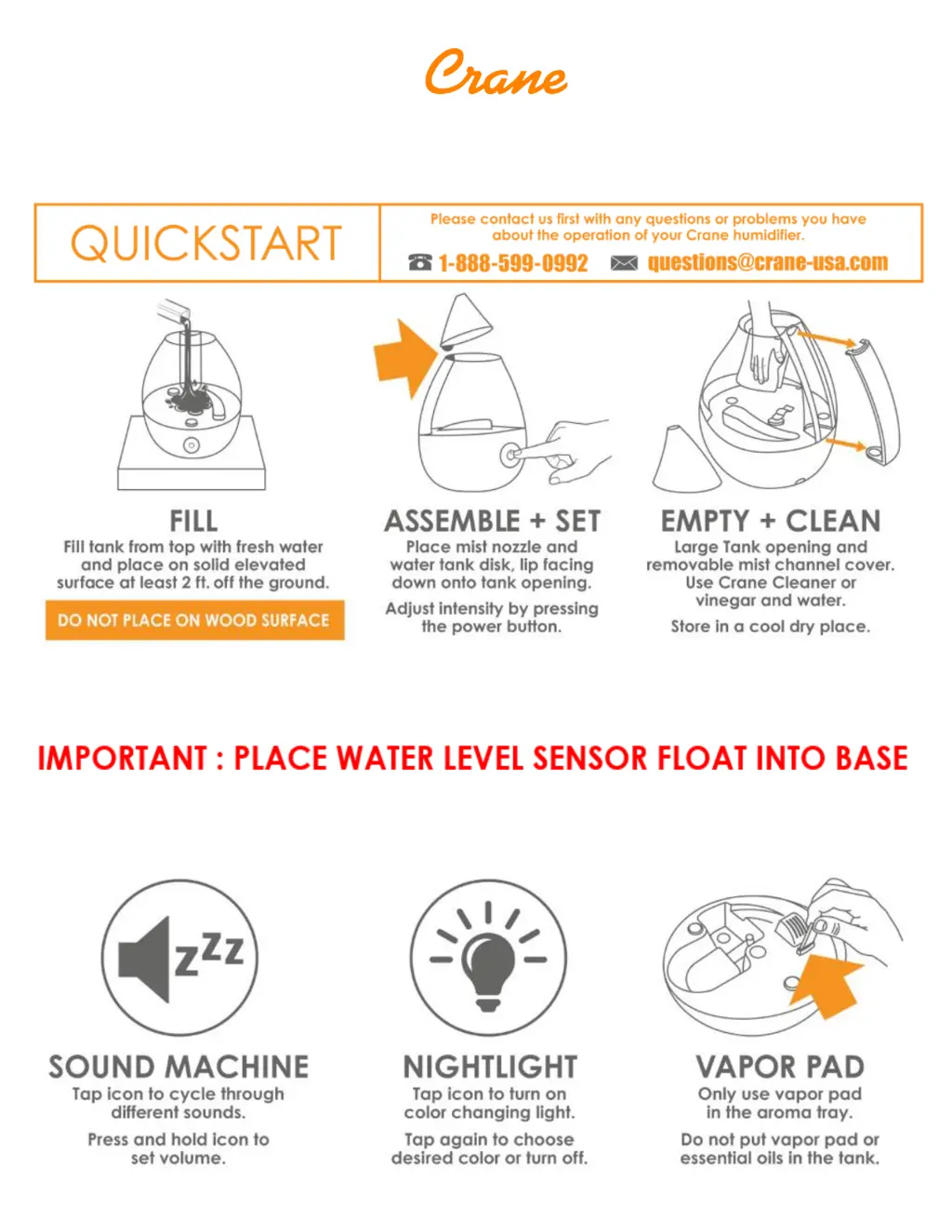
Secure the water level sensor float and place the water tank. Fill with cool water, avoiding the rim.

Powering On and Mist Output Adjustment

Connect the AC adaptor, press the power button for desired mist intensity. Indicator light behavior explained.

Maintenance and Cleaning

Weekly Cleaning Process

Clean components with a white vinegar and water solution, rinse thoroughly, and air dry.

Troubleshooting Guide

Warranty Information

Contacting Customer Care

Contact Crane Customer Care for problems, questions, or warranty instructions.

Crane EE-5306 Series Specifications

General IconGeneral
BrandCrane
ModelEE-5306 Series
CategoryHumidifier
LanguageEnglish

Related product manuals