EasyManua.ls Logo

Crane EE-5302 - User Manual

Crane EE-5302
11 pages
Print Icon
To Next Page IconTo Next Page
Loading...
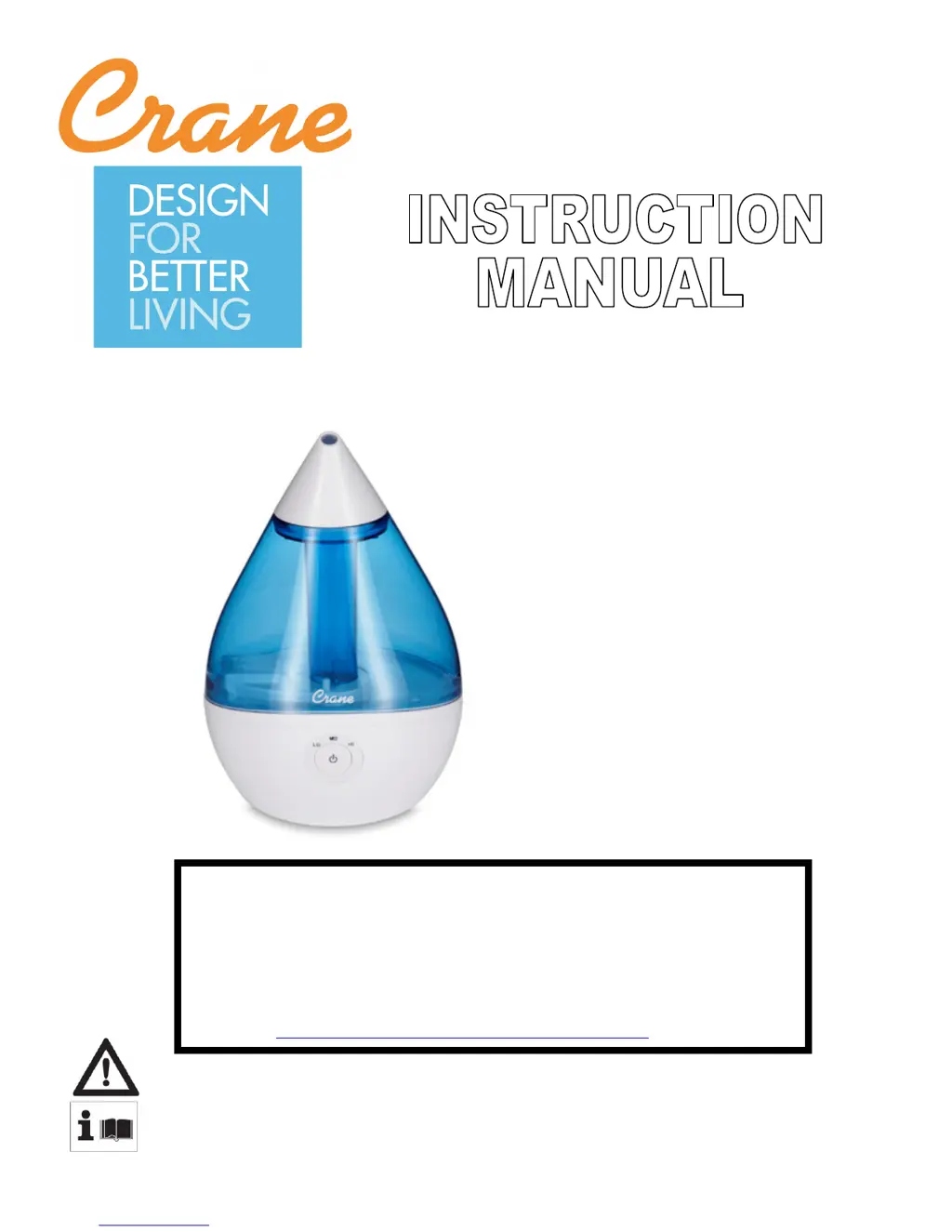
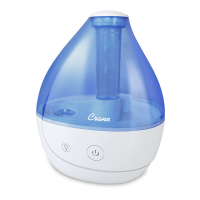
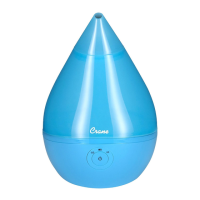
Droplet Humidifiers
FOR THE FOLLOWING MODELS:
EE-5302
EE-5302A
EE-5302W
PLEASE READ AND SAVE ALL INSTRUCTIONS TO ENSURE
THE SAFE AND EFFCTIVE USE OF THIS APPLIANCE.
If you have any questions about the operation of
your ultrasonic humidifier, please contact Crane
Customer Care.
Toll Free: 888-599-0992
Email: customer-service@crane-usa.com

Questions and Answers

  • J
    Jacqueline AdamsAug 1, 2025
    Why is the power light on my Crane EE-5302 staying red?
    • B
      Brittany BryantAug 1, 2025
      If the power indicator light on your Crane Humidifier remains red instead of turning green, ensure that the water tank cap is properly secured to the water tank. Also, empty any water in the humidifier base and then place the filled water tank onto the empty humidifier base. Clean the Water Level Sensor by snapping off the plastic cap from the pin, removing the water level sensor float, and wiping the parts with a soft, damp cloth. Replace the parts by first putting the water float onto the pin and replacing the plastic cap on pin.
  • S
    smithjessicaAug 8, 2025
    What to do if my Crane EE-5302 has a green light but no mist?
    • J
      Jessica HarrisAug 8, 2025
      If the power indicator light is green but your Crane Humidifier isn't emitting mist, first ensure the water tank has enough water. Then, check the Mist Lid and the Fan Vent on the bottom of the humidifier to be sure that they are not blocked. Empty and rinse the Humidifier Base with cool tap water. Finally, inspect the Water Level Sensor and Nebulizer for mineral deposits.
  • L
    Larry HenryAug 17, 2025
    Why does my Crane EE-5302 smell bad?
    • C
      csantanaAug 17, 2025
      If your Crane Humidifier emits a strange odor, clean the Water Tank with a water and vinegar solution, then rinse with clean water. Additionally, leave the empty Water Tank open in a cool place for some time without the Water Tank Cap attached.
  • A
    Ann MaxwellAug 23, 2025
    What causes white dust from my Crane Humidifier?
    • R
      Robin GillAug 23, 2025
      If white dust appears outside your Crane Humidifier, your area's tap water may have too many minerals. Switch to filtered or distilled water.

Summary

Important Safety Instructions

General Safety Instructions

Product Usage and Power Safety

Covers warnings about product use by children, power cord safety, electrical circuits, and polarized plug usage.

Operational Safety Warnings

Advises on safe placement, avoiding heat sources, not leaving unattended, and unplugging procedures.

List of Main Parts

Technical Specifications

Operation and Use

Pre-Operation Checks

Ensures correct humidifier placement and water level sensor security before operation.

Operational Cautions

Highlights critical cautions during operation, such as not operating without water or using wet hands.

Assembly

A Note About Humidity

Maintenance

Daily Maintenance

Instructions for daily cleaning, including emptying water and wiping the unit.

Weekly Maintenance

Procedures for weekly cleaning using vinegar solution for the water tank and base.

End-of-Season Storage

Guidance on cleaning, drying, and storing the humidifier for off-season periods.

Trouble Shooting

Customer Care

Environmental Protection

Limited Warranty

Crane EE-5302 Specifications

General IconGeneral
BrandCrane
ModelEE-5302
CategoryHumidifier
LanguageEnglish

Related product manuals