EasyManua.ls Logo

Crane EE-7002 - User Manual

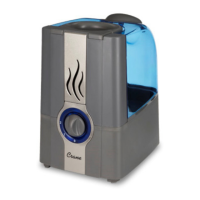
Crane EE-7002
12 pages
Print Icon
To Next Page IconTo Next Page
Loading...
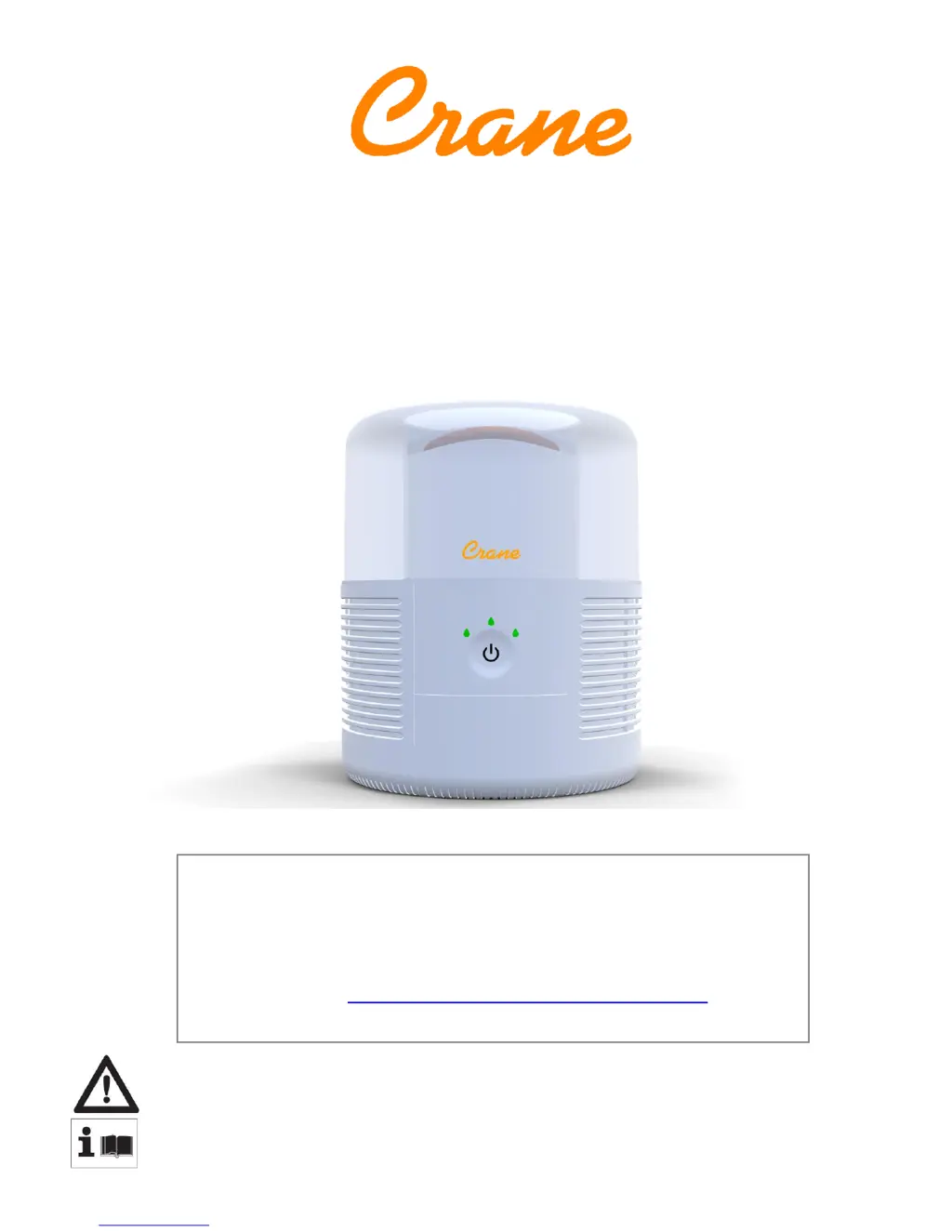
EVAPORATIVE COOL MIST HUMIDIFIER
Instruction Manual
FOR MODEL: EE-7002
PLEASE READ AND SAVE ALL INSTRUCTIONS TO ENSURE
THE SAFE AND EFFECTIVE USE OF THIS HUMIDIFIER.
If you have any questions about the operation of your
humidifier, please contact Crane Customer Care.
Toll Free: 888-599-0992
Email: customer-service@crane-usa.com

Questions and Answers

  • B
    barrettjenniferJul 27, 2025
    How to fix a Crane Humidifier that has no power?
    • J
      johnsmithJul 27, 2025
      If your Crane Humidifier does not have any power, ensure it is properly plugged into a working power outlet and that the Power Button is pressed ON. If the Power On indicator light still doesn't come on, contact Crane Customer Care.
  • K
    karen00Aug 1, 2025
    What to do if the water indicator light stays red on my Crane EE-7002?
    • M
      micheleriveraAug 1, 2025
      If the water indicator light on your Crane Humidifier stays red, submerge the base in warm, soapy water, specifically running water on the water level sensor float attached to the base. If the light does not turn green, call Crane Customer Care.
  • M
    Michelle GarnerAug 6, 2025
    Why is my Crane EE-7002 steam indicator light green but no mist is coming out?
    • N
      nichole26Aug 6, 2025
      If the steam indicator light on your Crane Humidifier is green but there is no mist being emitted, it may be that the unit is only designed to emit cool air. To ensure it is working, check that the water level in the tank is decreasing over 24 hours.
  • K
    Kayla MccoyAug 11, 2025
    What to do if water is not decreasing in Crane EE-7002 Humidifier?
    • N
      natasha57Aug 11, 2025
      If the water in your Crane Humidifier is not decreasing, check the filter for any buildup of minerals, tears, or holes, and replace it if necessary. It's also possible that the air is already saturated, which would reduce the amount of moisture the unit emits.
  • J
    jennifer84Aug 16, 2025
    Why is there condensation around my Crane EE-7002 and windows?
    • G
      Gregory BrownAug 16, 2025
      If condensation is forming around your Crane Humidifier and windows, try leaving the room door slightly open while the humidifier is running or reduce the power setting.
  • A
    Aaron GonzalezAug 21, 2025
    How to get rid of strange odor from Crane EE-7002?
    • C
      Caleb GonzalesAug 21, 2025
      If you notice a strange odor coming from your Crane Humidifier, clean the Water Tank with a water and vinegar solution, then rinse with clean water. Also, leave the empty Water Tank open for some time (without the Water Tank Cap attached) in a cool place.

Summary

Crane & Sustainability

Important Safety Instructions

General Safety Instructions

Electric Power

Details electrical circuit considerations and potential overloading of the unit.

Polarized Plug

Explains the polarized plug feature for electrical shock reduction during use.

List of Main Parts

Technical Specifications

Before Each Use

Guidance on optimal humidifier placement and initial checks before operation.

Air Purifier Kit

Information about an optional accessory for enhanced humidifier functionality.

Assembly & Use

Wick Filter Assembly

Step-by-step instructions for correctly assembling the humidifier's wick filter.

Tank Assembly

Instructions for filling and securely assembling the water tank onto the humidifier base.

Humidifier Maintenance

Humidifier Wick Maintenance

Guidance on checking for mineral buildup and wear on the humidifier's wick filter.

Daily Maintenance

Routine cleaning and upkeep tasks recommended for daily humidifier maintenance.

Weekly Maintenance

Recommended cleaning procedures for the humidifier performed on a weekly basis.

End-of-Season Maintenance & Storing

Instructions for cleaning and properly storing the humidifier at the end of its usage season.

Troubleshooting

Crane Warranty

Limited Warranty

Details the terms, conditions, and duration of the product's limited warranty coverage.

Crane EE-7002 Specifications

General IconGeneral
BrandCrane
ModelEE-7002
CategoryHumidifier
LanguageEnglish

Related product manuals