− To switch to step counter mode, push the menu button once.
− To switch to distance mode, push the menu button twice.
− To switch to calorie mode, push the menu button
three
times.
− To switch to activity time mode, push the menu button
four
times.
− To switch to sleep mode, push the menu button five times.
The display will go out automatically after three seconds. To switch it back on, push the menu
button again.
Step counter mode
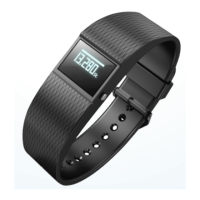
The wristband counts the steps you cover in a day. The more steps you cover during one day, the
longer the progress bar at the top of the display will become. It shows you how close you are to
reaching your target number of steps. Once you have reached your target number of steps, the
progress bar will blink and an acoustic signal will be emitted. By factory default, a daily target of


 To Next Page