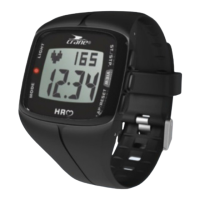
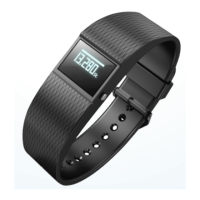
Putting on the wristband⁄clip
We recommend that you do not wear the wristband on your dominant hand.
− Put the desired band
1
with the display module
2
around your wrist and fasten the
band. The band should not be fitted too tightly, but also not too loosely around your wrist. It
must not cause you any pain, but it should be secure enough so as to prevent loss.
− Or fasten the clip
5
with the display module e.g. on a trouser pocket, shirt, bra, or belt.
Switching the display module off
1. In time mode, press and hold the menu button
4
for two seconds.


 To Next Page