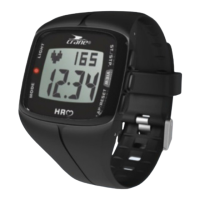
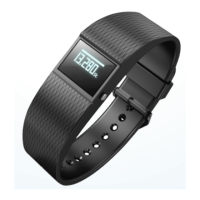
Connecting the wristband with the Crane Connect app
Make sure that the Bluetooth® function on your smartphone has been activated.
1. Once the user settings are complete, return to the “All Settings” menu.
2. Select the icon “Activity Tracker”.
You now edit additional settings of the wristband.
3. To connect the wristband with your smartphone, select the option “Connect” in the “Pairing”
field.
A dialog window will appear.
4. In this window, choose “Pairing now”.


 To Next Page