Operation
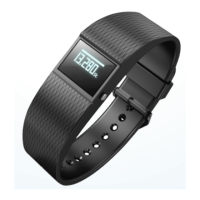
Activating the display module
− To activate the display module, press and hold the menu button
4
for two seconds – for
four seconds if you are switching the display module on for the fi rst time.
The message “How are you?” will appear on the display.
The wristband needs to be switched on once before you can charge the recharge-
able battery. Fully charge the wristband before using it for the first time (see chapter
“Charging the rechargeable battery”).


 To Next Page