The messages “Pair?” and “Off?” will appear on the display.
2. After “Off?” has appeared on the display, push the menu button to switch off the display
module.
Setting the time and time format
Time mode indicates the current time. This is automatically adopted by the Crane Connect app. In
the App, you can set the time to the 24-hour or 12-hour format.
Downloading and installing the Crane Connect app
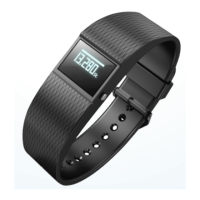
If you would like to use the wristband in combination with the Crane Connect app, you must
download the Crane Connect app and install it on your smartphone for example.
− Download the free Crane Connect app from the App Store, the Google Play Store, at
https://www.cranesportsconnect.com in the “Download” tab, or by using one of the QR
codes below.


 To Next Page