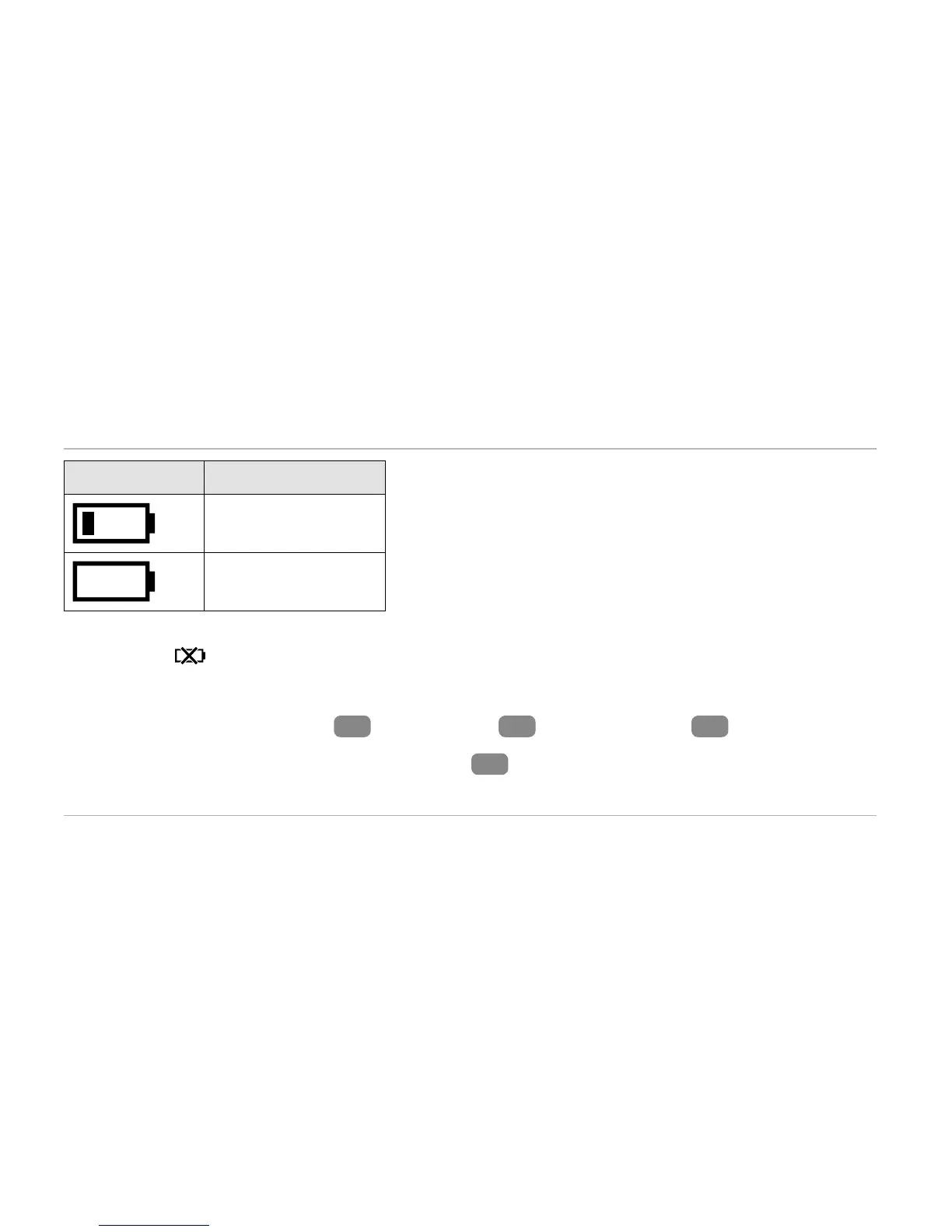
Symbol Charge status
11–32 %
0–10 %
− Push the menu button to determine whether the rechargeable battery is completely empty.
The icon
will appear on the display for three seconds.
To charge the rechargeable battery:
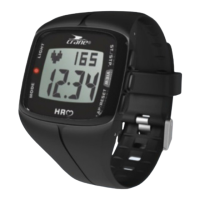
1. Remove the display module
2
from the band
1
(see Fig.B) or clip
5
.
2. Insert the display module in the USB charger
6
(see Fig.C).
3. Connect the USB charger e.g. to a computer.


 To Next Page