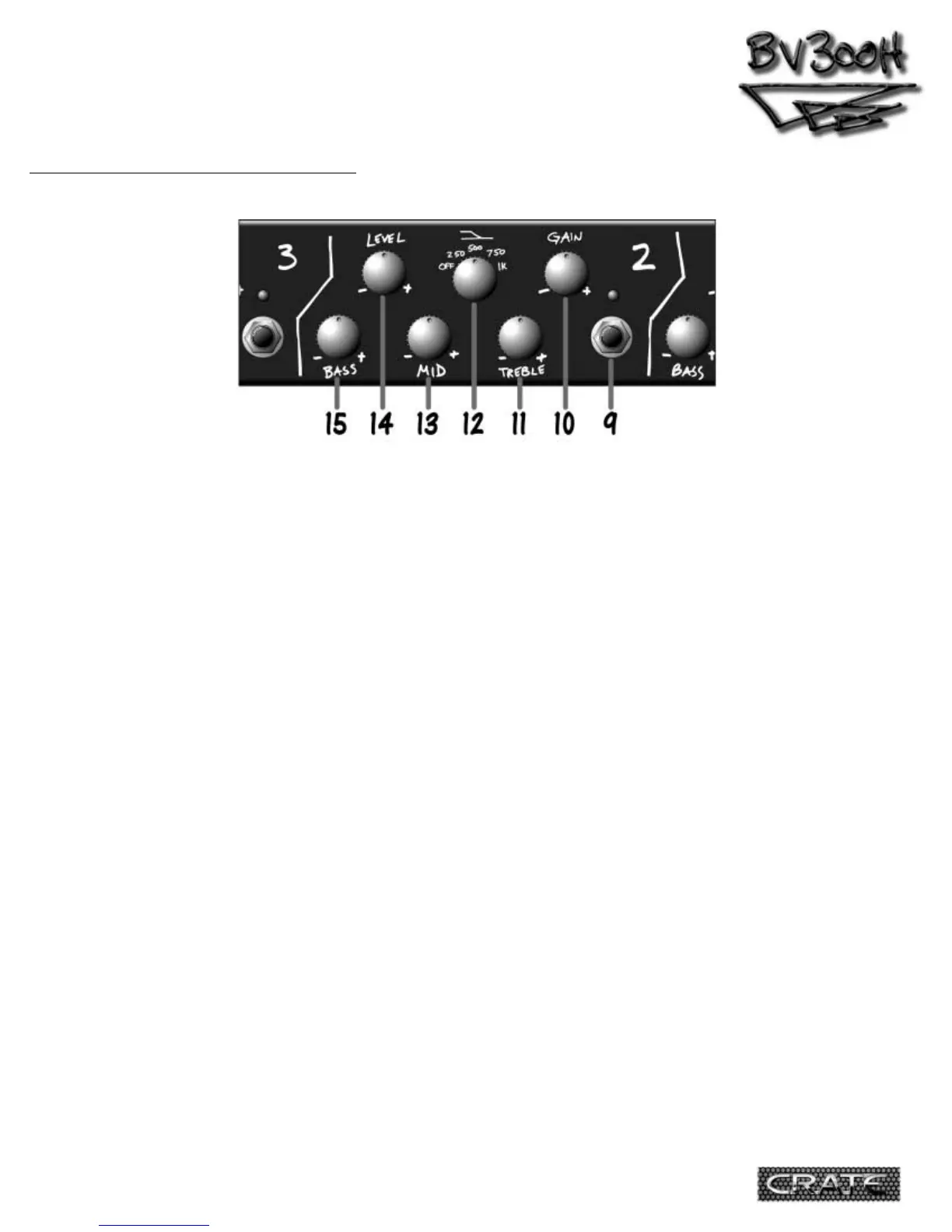
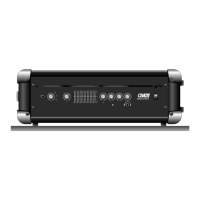
9.Channel 2 Select Switch: When you want to
use Channel 2, press this switch. The amber LED
above this switch lights up when Channel 2 is
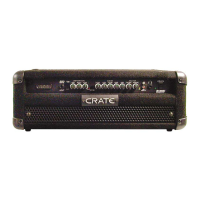
selected. The BV300H uses instant access switch-
ing – when the footswitch (#28, rear panel) is
connected, either the front panel channel select
switches or the footswitch will select the
desired channel.
10.Gain: Use this control to adjust the input
gain for Channel 2. Towards the “–” side gives
you the classically British warm crunch. Towards
the “+” side gives you creamy smooth overdrive
with a touch of compression.
11.Treble: Use this control to adjust the top
end level for Channel 2. The Treble control
provides 12dB of boost or cut at 2kHz.
12.Mid Boost Select: Use this control to add
a 4~5dB boost from the low end up to the
midrange frequency selected: 250Hz, 500Hz,
750Hz, or 1kHz. There is, of course, no boost
when this control is at the “off” position.
13.Mid: Use this control to adjust the
midrange output level for Channel 2. The Mid
control gives you 10dB of boost or cut at
750Hz.
NOTE: The Mid Boost Select (#12) uses a differ-
ent circuit than the Mid control (#13).
14.Level: Use this control to adjust the out-
put level of Channel 2. Use this control along
with the Gain control (#10) to get the sound
you’re looking for on Channel 2.
15.Bass: Use this control to adjust the low
end level for Channel 2. The Bass control pro-
vides 20dB of boost or cut at 50Hz.
THE FRONT PANEL - Channel 2:
5


 To Next Page