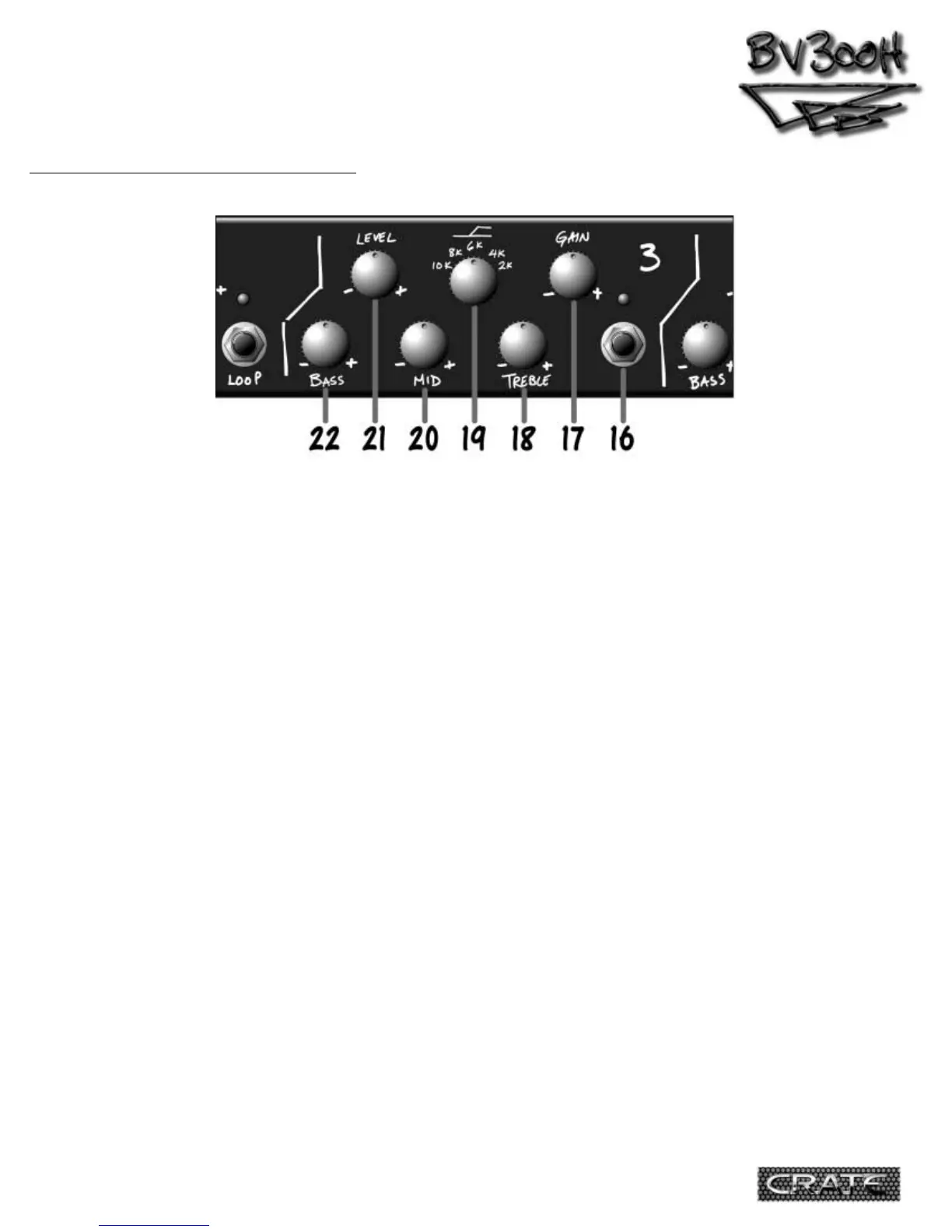
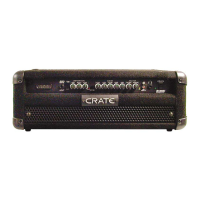
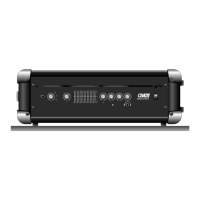
16.Channel 3 Select Switch: When you want
to use Channel 3, press this switch. The red
LED above this switch lights up when Channel 3
is selected. The BV300H uses instant access
switching – when the footswitch (#28, rear
panel) is connected, either the front panel
channel select switches or the footswitch will
select the desired channel.
17.Gain: Use this control to adjust the input
gain for Channel 3. Towards the “–” side gives
you a punchy tube sound perfect for aggressive
rhythm playing. Towards the “+” side and you’re
asking for some seriously aggressive tones!
18.Treble: Use this control to adjust the top
end level for Channel 2. The Treble control
provides 25dB of boost or cut at whatever fre-
quency the High Freq control (#19) is set to.
19.High Freq Select: Use this control to
choose the frequency where the High control
takes effect – 10kHz, 8kHz, 6kHz, 4kHz or 2kHz.
20.Mid: Use this control to adjust the
midrange level for Channel 3. The Mid control
provides 20dB of boost or cut at 1.2kHz.
21.Level: Use this control to adjust the out-
put level of Channel 3. Use this control along
the Gain control (#17) to get the sound you’re
looking for on Channel 3.
22.Bass: Use this control to adjust the low
end level for Channel 3. The Bass control pro-
vides 18dB of boost or cut at 100Hz.
THE FRONT PANEL - Channel 3:
6


 To Next Page