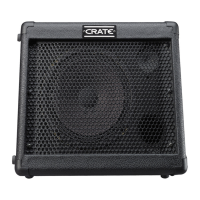
CRATE TAXI •
TX15
5
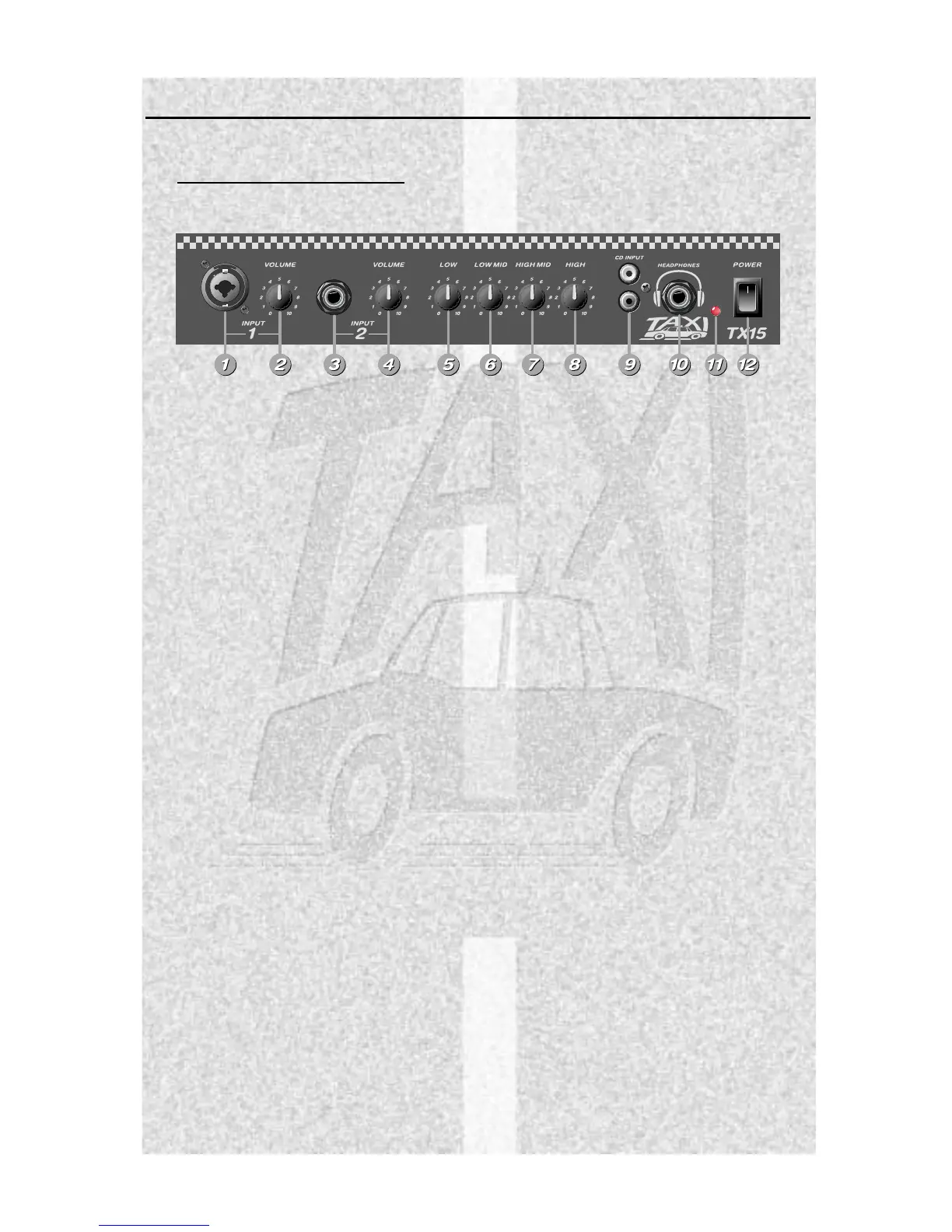
1. INPUT 1: Use this jack to connect
a low or a high impedance micro-
phone to the amplifier by means of
a shielded signal cable.
2. VOLUME 1: Use this control to
adjust the level of the signal con-
nected to the Input 1 jack (#1).
3. INPUT 2: Use this jack to con-
nect an instrument or a high
impedance microphone to the
amplifier by means of a shielded
instrument or signal cable.
4. VOLUME 2: Use this control to
adjust the level of the signal con-
nected to the Input 2 jack (#3).
5. LOW: Use this control to adjust
the level of the low frequencies for
both inputs.
6. LOW MID: Use this control to
adjust the level of the lower-middle
frequencies for both inputs.
7. HIGH MID: Use this control to
adjust the level of the upper-mid-
dle frequencies for both inputs.
8. HIGH: Use this control to adjust
the level of the high frequencies
for both inputs.
9. CD INPUT: Use these jacks to
connect the output of a CD player,
a tape player, a rhythm machine or
any other similar source to the
amplifier by means of a shielded
signal cable. These jacks are con-
nected in parallel – a stereo signal
should be connected to both jacks
(the left channel to one jack, the
right channel to the other), while a
mono signal may be connected to
either jack.
10. HEADPHONES: Use this jack to
connect a pair of stereo head-
phones to the amplifier. The inter-
nal speaker is disconnected when
the headphones jack is used.
11. LED: When the power switch is
on and the battery is fully charged,
this LED illuminates yellow. The
LED illuminates red when the bat-
tery needs recharging.
12. POWER: Use this switch to turn
the amplifier on (top of the switch
depressed) and off (bottom of the
switch depressed).
THE FRONT PANEL:


 To Next Page