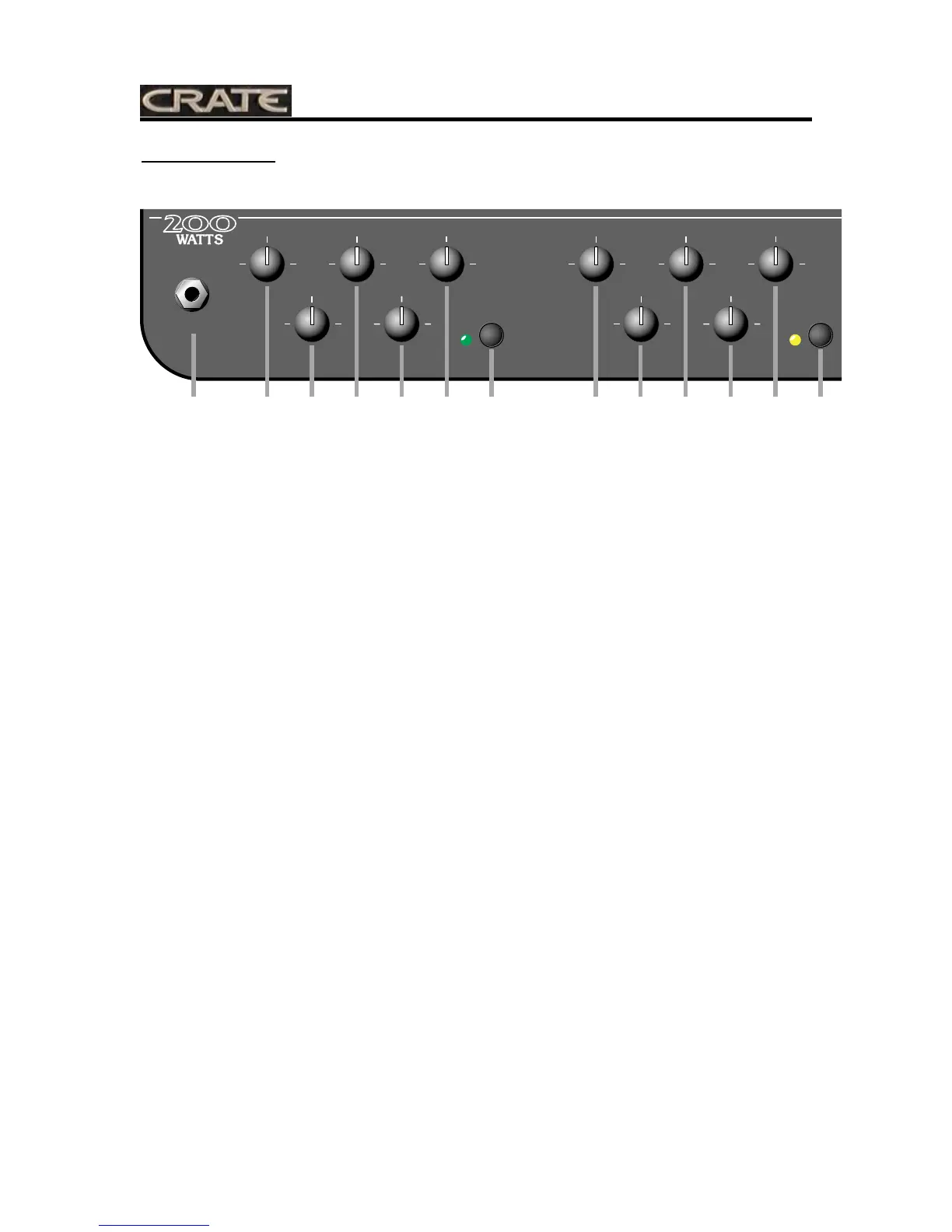
1: INPUT: Use this jack to connect your guitar to the amplifier by means of a shielded instrument cable.
CHANNEL 1 - Featuring a low gain FlexWave circuit for clean sounds or sounds with mild dis-
tortion:
2: LOW: Use this control to adjust the low frequency level of Channel 1.
3: GAIN: Use this control to adjust the amount of distortion produced by Channel 1.
4: MID: Use this control to adjust the midrange frequency level of Channel 1.
5: LEVEL: Use this control to adjust the output level of Channel 1.
6: HIGH: Use this control to adjust the high frequency level of Channel 1.
7: CHANNEL 1 SELECT: This switch, when depressed, selects Channel 1 as the active channel. The
adjacent LED illuminates when Channel 1 is active.
CHANNEL 2 - Featuring a medium gain FlexWave circuit for moderate distortion and crunch:
8: LOW: Use this control to adjust the low frequency level of Channel 2.
9: GAIN: Use this control to adjust the amount of distortion produced by Channel 2.
10: MID: Use this control to adjust the midrange frequency level of Channel 2.
11: LEVEL: Use this control to adjust the output level of Channel 2.
12: HIGH: Use this control to adjust the high frequency level of Channel 2.
13: CHANNEL 2 SELECT: This switch, when depressed, selects Channel 2 as the active channel. The
adjacent LED illuminates when Channel 2 is active.
CHANNEL 3 - Featuring a high gain FlexWave circuit for extreme distortion and sustain:
14: LOW: Use this control to adjust the low frequency level of Channel 3.
15: GAIN: Use this control to adjust the amount of distortion produced by Channel 3.
16: MID: Use this control to adjust the midrange frequency level of Channel 3.
17: LEVEL: Use this control to adjust the output level of Channel 3.
18: HIGH: Use this control to adjust the high frequency level of Channel 3.
19: CHANNEL 3 SELECT: This switch, when depressed, selects Channel 3 as the active channel. The
adjacent LED illuminates when Channel 3 is active.
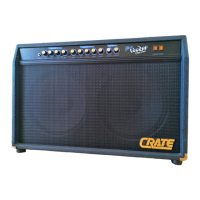
VTX200
Three-Channel Guitar Amplifier with Advanced DSP


 To Next Page