14
ENGLISH
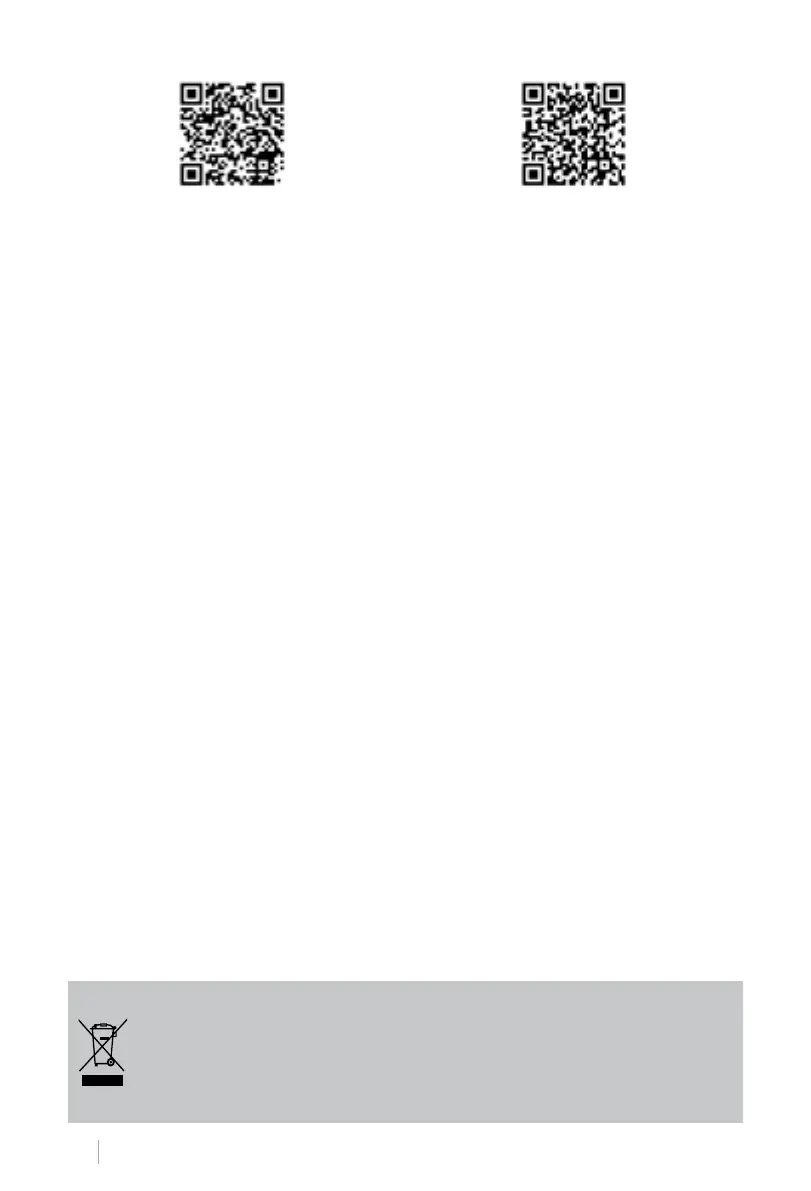
iPhone Android
HOW TO CONNECT TO THE APP
1. Install the CREATE app and create a user account.
2. Set a login password and log in to the app.
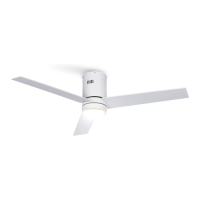
3. Click “Add Device” (+) and then click the category for the ceiling fan.
4. On the remote control, press and hold the 1H and 4H buttons for about 5 seconds until you
hear a beep.
5. Next, click “Conrm”.
6. Enter your Wi-Fi network password and conrm.
7. While connecting, make sure your router, mobile phone and device are as close as possi-
ble. Finally, the ceiling fan will be successfully added to your CREATE application.
In compliance with Directives: 2012/19/EU and 2015/863/EU on the restriction of the use of dangerous sub-
stances in electric and electronic equipment as well as their waste disposal. The symbol with the crossed dustbin
shown on the package indicates that the product at the end of its service life shall be collected as separate waste.
Therefore, any products that have reached the end of their useful life must be given to waste disposal centres
specialising in separate collection of waste electrical and electronic equipment, or given back to the retailer at the
time of purchasing new similar equipment, on a one for one basis. The adequate separate collection for the subse-
quent start-up of the equipment sent to be recycled, treated and disposed of in an environmentally compatible way
contributes to preventing possible negative effects on the environment and health and optimises the recycling and
reuse of components making up the apparatus. Abusive disposal of the product by the user involves application
of the administrative sanctions according to the laws.


 To Next Page