Press“+”and“-”to change the parameters of system. To save present set system
parameters, press“PAUSE”button to escape setting mode in off-line state, then press“ON
LINE”button once. When switching on machine next time, it will automatically call in the
parameters which were set last time as default for starting up。
6.3.7 Diagrammatic demonstration of setting parameters for different states
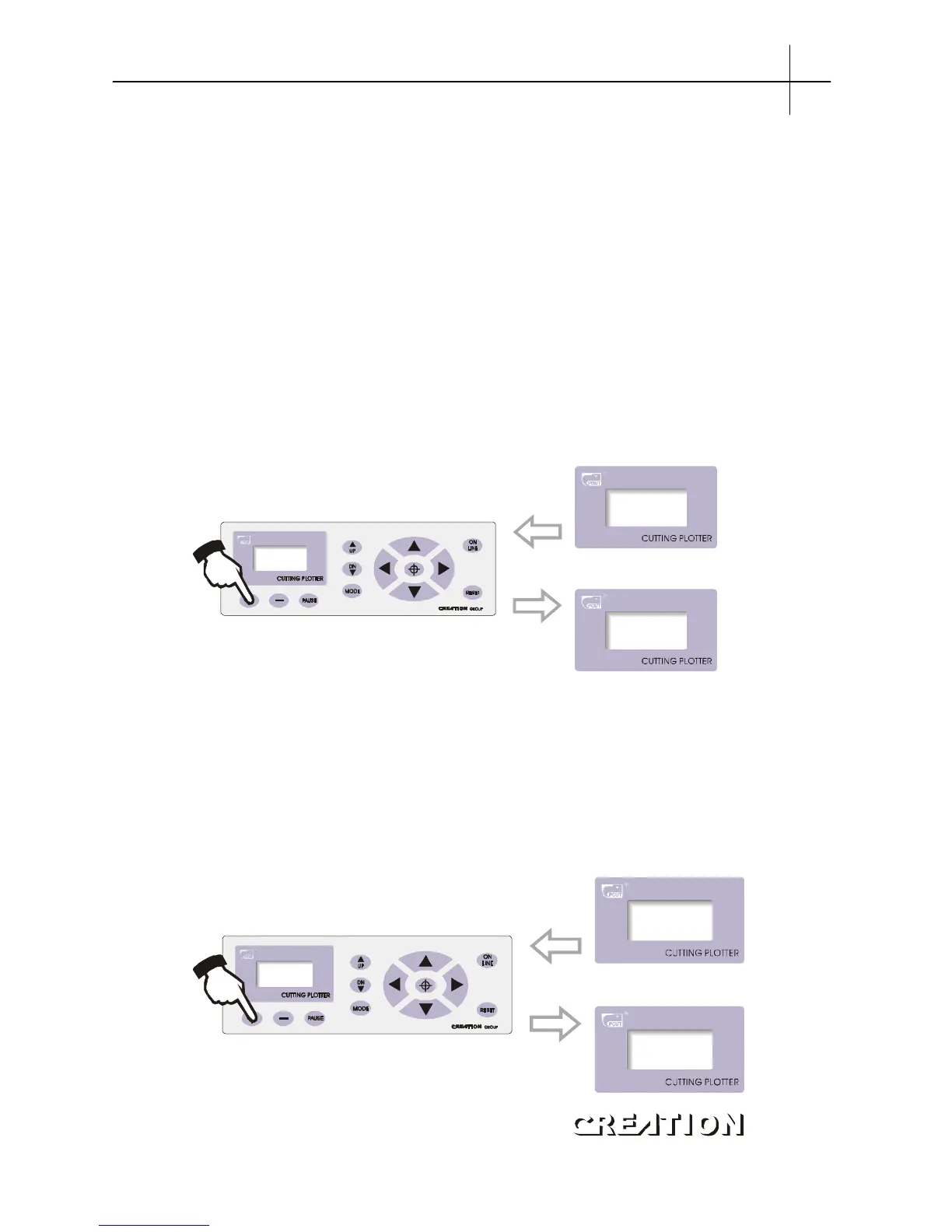
6.3.7.1 Setting knife press
In off-line state, The value of“Press”signifies knife press, press“+”to increase
it, press“-”to lower it. the setting values range is 0~255, namely the knife press can
range within0~800g. When the machine runs, if the knife press is found unsuitable,
press“PAUSE”button, then press“+”or“-”to make press up or down。
Press
+ 087 -
Press
+ 110 -
up or down
“”“”
6.3.7.2 Setting Self Test interface
In“Test”state, press“+”to increase testing times while press“-”to decrease testing
times, the range of testing times is 0 ~ 255. Press ON LINE button to start plot Demo
Test graph. Testing with knife installed can be done one time only. To repeat the testing,
please replace the knife with plot pen, with which you can test repeating precision of
the machine. If the Self Test meets requirement, it indicates that parts of the machine
are in good condition。



 To Next Page