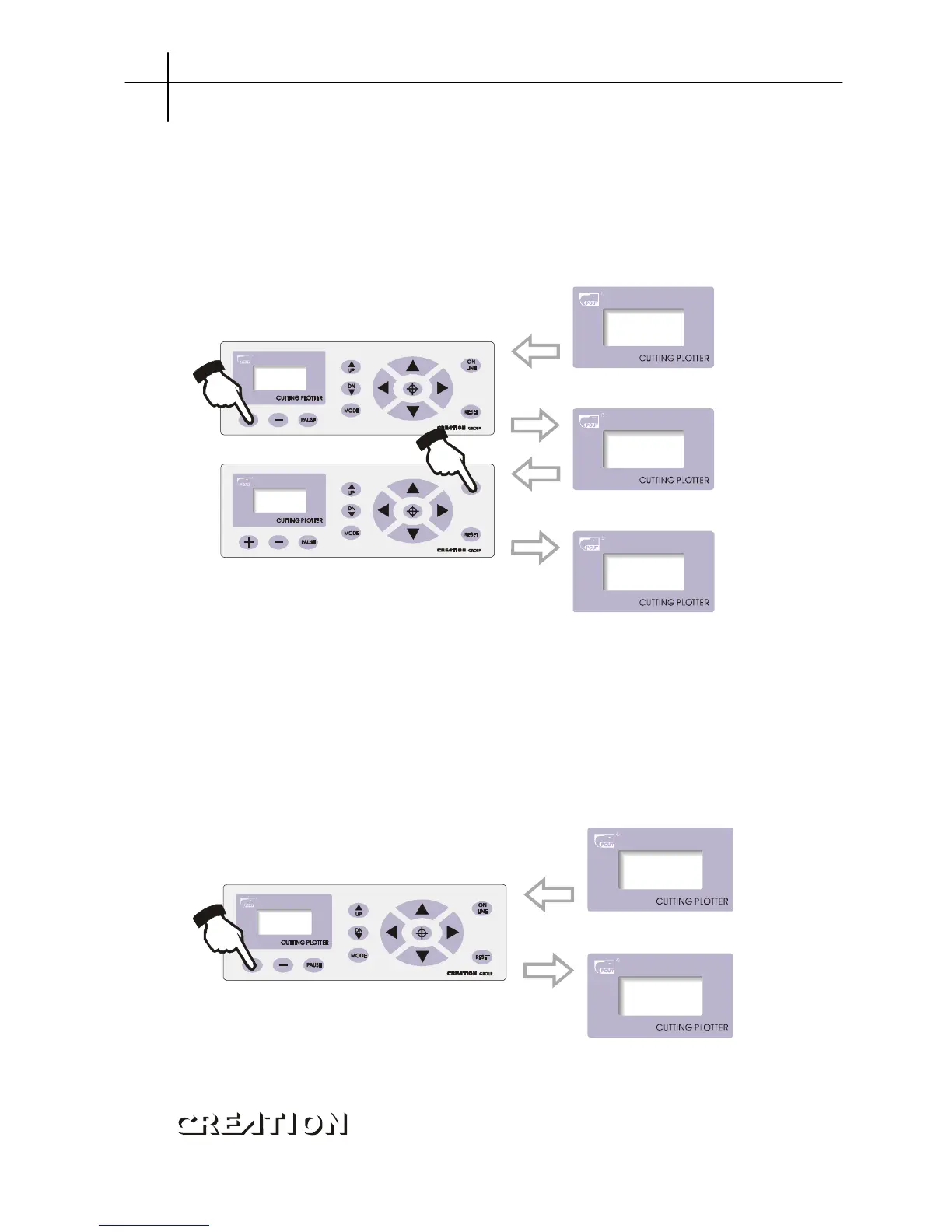
6.3.7.3 Repeat cutting
When the data computer transmits can be totally stored into memory of the
machine, this function can be used to plot more than one copy. In“Repeat”state, press
“+/-”to adjust total copies to be duplicated, press“ON LINE”to start plotting. The
maximum 255 copies can be duplicated. At one time (this function is limited to memory,
the capacity of the document shall be low 1024kb)。
PressON LINEto start cutting.
“”
6.3.7.4 Cutting speed
In speed setting mode, press“+”or“-”to adjust cutting speed, high speed is suitable
for cutting big characters or image, while low speed is suitable for exquisite small
character or image. 10-shift speed is available for your choice:
10 → 20 → 30 → 40 → 50 → 60 → 70 → 80
Press+to lift cutting speed
Interface of cutting speed
Ø When cutting at high speed, curve may look zigzag, but it is not a trouble, lowering the
speed will eliminate the indention。
PCUT SERIES USER
‘
S MANUAL Cutting plotter PCUT CT operating instructions



 To Next Page