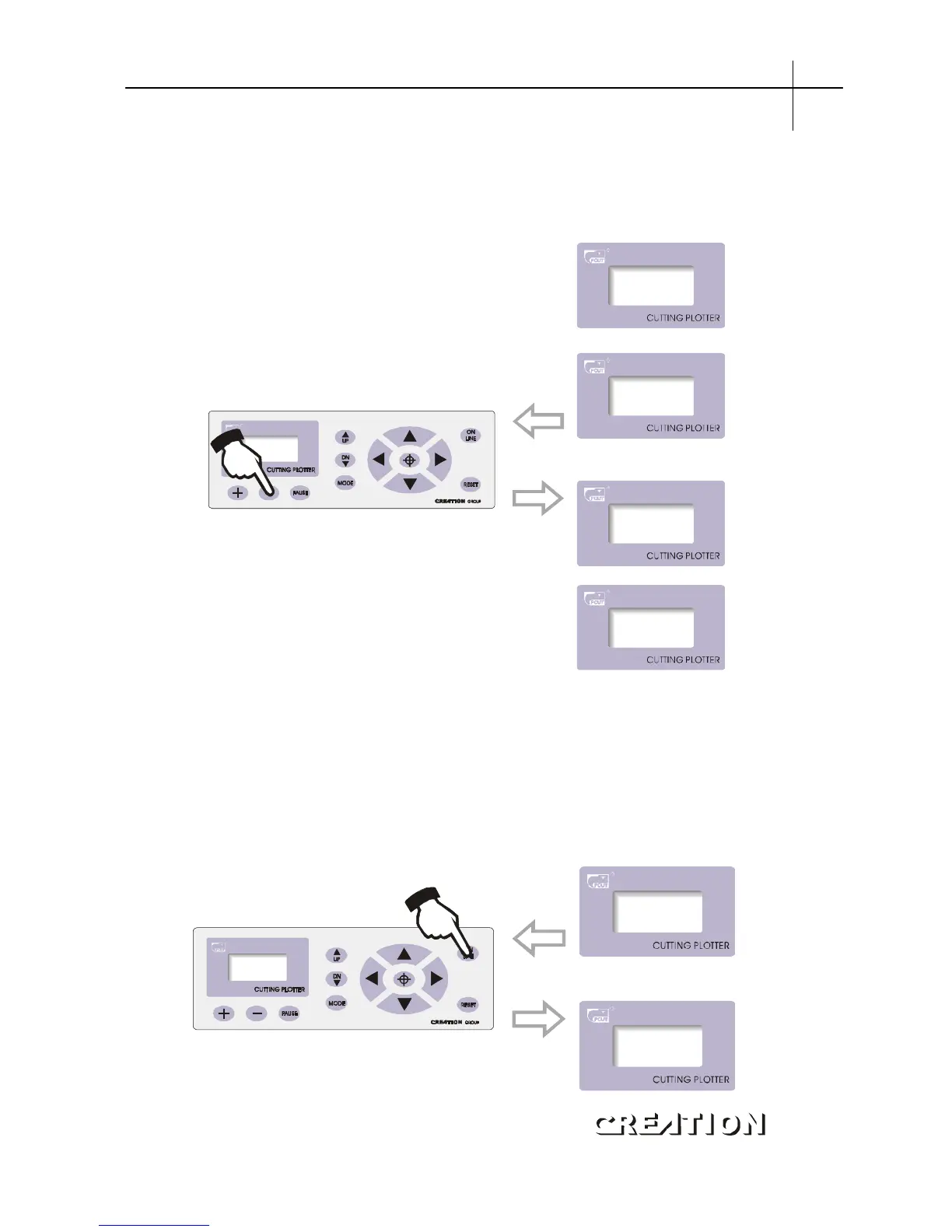
6.3.7.5 Interface for setting X-axis, Y-axis
To minimize the error in mechanic size, set ratio of“X, Y”to be adjustable, and
make composing size conformed to plotting size。
When real size of shaft“X”or“Y”exceeds composing size。
value
“”
Contrarily, in“X-axis”or“Y-axis”state press“+”to increase the value。
Notes: when using this function, meticulous adjustment to specific speed and media
is desirable。
5.3.7.6 Readjustment of initial value
When client disorders speed and other parameters therefore having no way to work
and lack experience to back to ideal cutting state, he can adjust it to initial value.
Operating procedures: press“MODE”button to“CUT SPEED”state。
CutSpeed
+ 50 -
Loadata



 To Next Page