A Tour of Your Player 2-3
Button/Switch What It Does Usage Tips
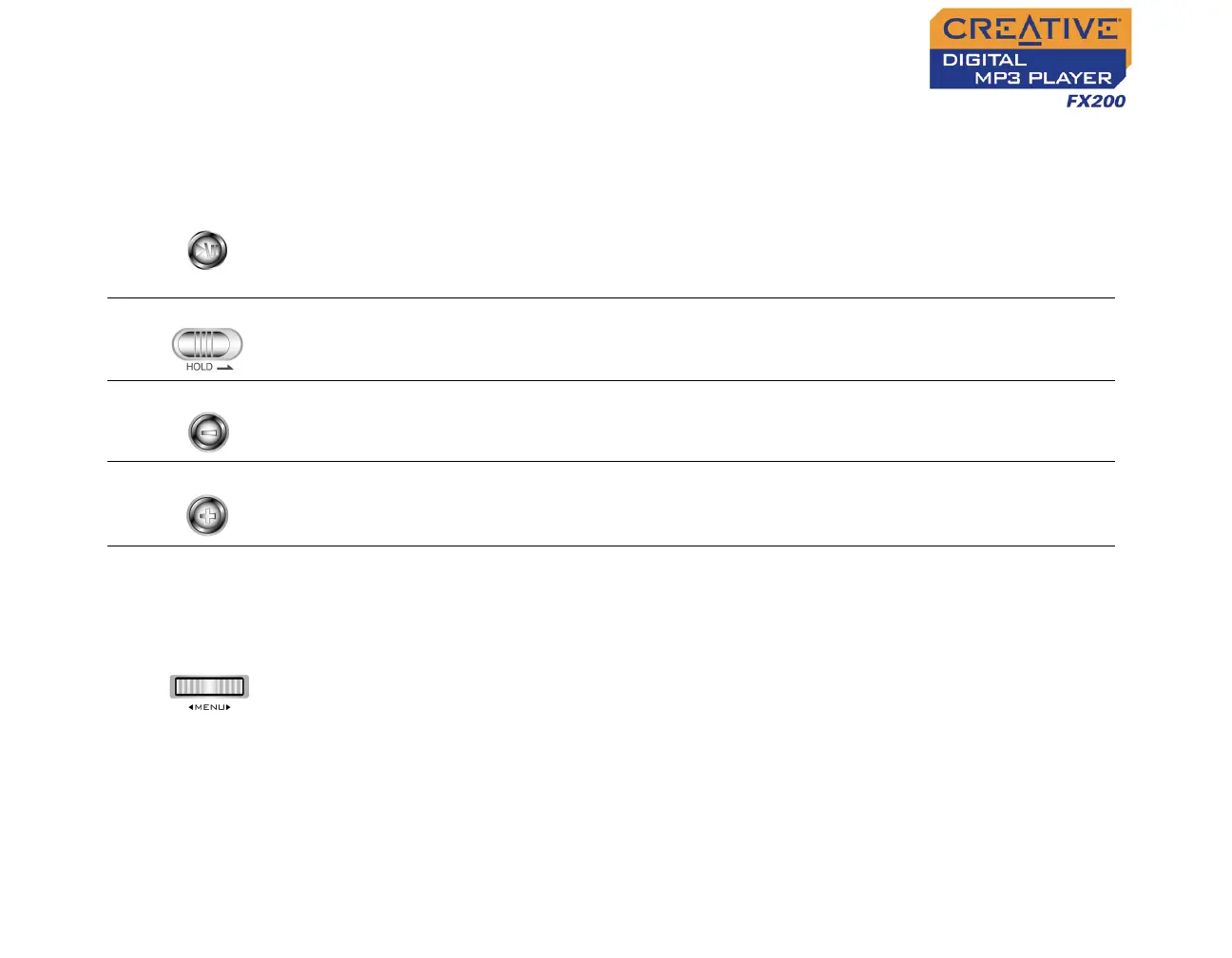
PLAY/PAUSE
❍ Turns the player on and off.
❍ Starts, pauses or continues playback.
❍ Changes Scroller mode in FM Radio
mode.
❍ Press and hold until player turns
on or off.
HOLD
❍ Locks and disables all buttons on your
player.
❍ Slide the switch to the right to
lock the player.
VOLUME DECREASE
❍ Decreases the volume.
❍ Press and hold to decrease the
volume quickly.
VOLUME INCREASE
❍ Increases the volume.
❍ Press and hold to increase the
volume quickly.
SCROLLER
❍ Goes to the previous or next track.
❍ Moves ahead or moves back within a
track.
❍ Scrolls through menu options.
❍ Selects menu options.
❍ Selects or scans FM radio channels.
❍ During playback, turn and
release the Scroller to go to the
previous or next track.
❍ During playback, turn and hold
the Scroller to move ahead or
move back within a track.
❍ Turn the Scroller to scroll
through menu options and press
the Scroller to select them. This
action is also referred to as
"Scroll Select".












 To Next Page