Using Your Player 4-6
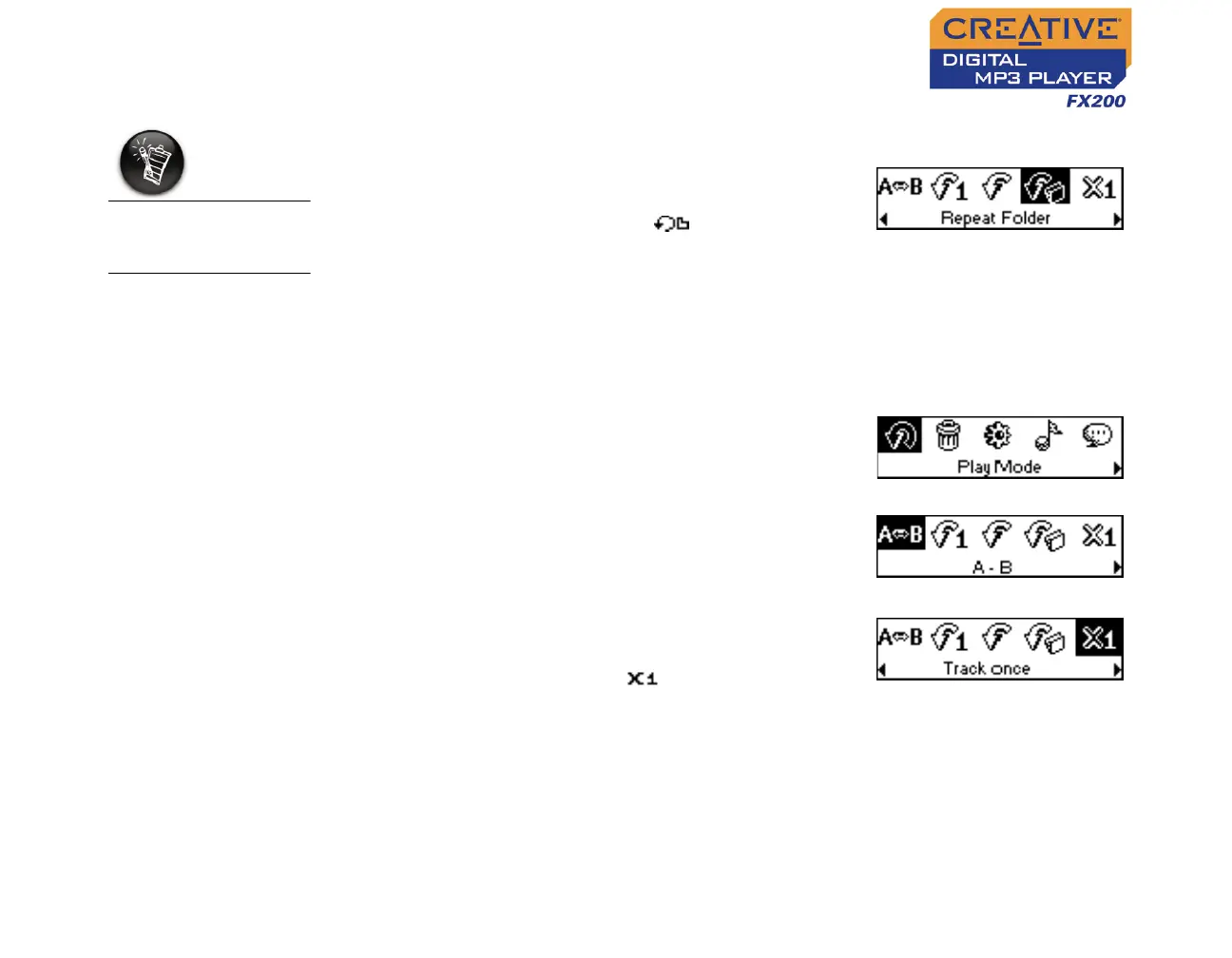
To repeat a folder
Scroll Select the Repeat Folder icon (Figure
4-12).
The Repeat Folder icon appears on the
screen and tracks in the current folder are
repeated continuously until you stop them or
skip to another folder.
Playing a track
once
When the Track Once play mode is enabled, playback stops once the current
track ends.
1. Press the Scroller.
2. Scroll Select the Play Mode icon (Figure
4-13).
A list appears (Figure 4-14).
3. Scroll Select the Track Once icon (Figure
4-15.
The Track Once icon appears on the
screen. Playback stops once the track ends.
Repeat Folder mode
is only available in
Music mode.
Figure 4-12
Figure 4-13
Figure 4-14
Figure 4-15












 To Next Page