Getting Started 3-3
Power Source
and Level
Indicators
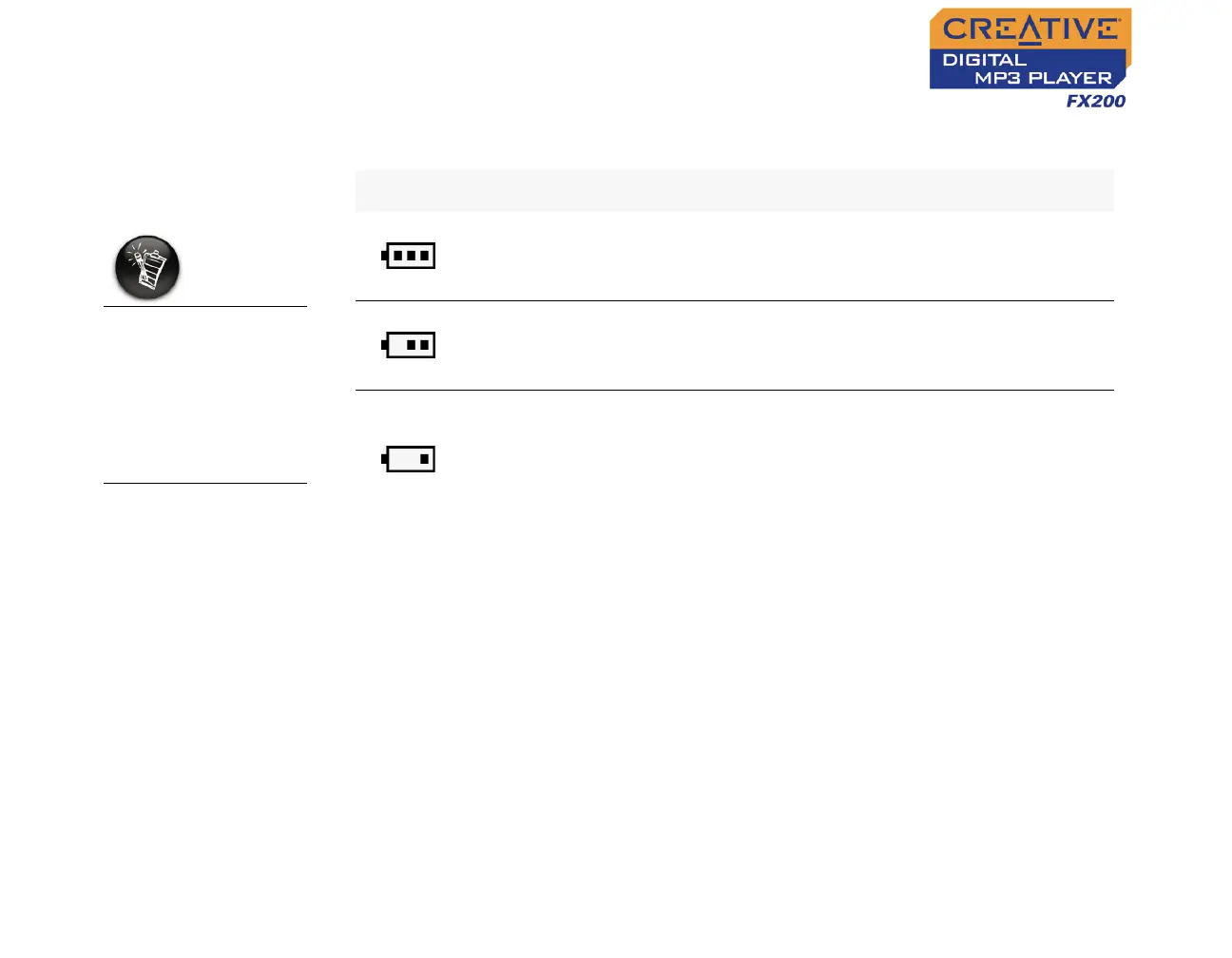
After inserting the battery, your player displays one of the following icons,
depending on the battery’s status.
The amount of
playback time
available depends on
various factors (for
example, volume
level). For more
information, see
"Usage" on page C-2.
Icon What the icon means Notes
❍ your player’s battery is full
❍ this battery state icon
shows that the battery is
full
❍ your player’s battery is 60% full
❍ this battery state icon
shows that the battery
power level is high
❍ your player’s battery is 30% full
❍ this battery state icon
shows that the battery
power level is low
❍ change the battery at the
earliest opportunity












 To Next Page