Using Your Player 4-20
User
Preferences
Your player offers many configuration options. You can
❍ specify contrast settings
❍ change the LCD screen’s backlight duration
❍ select the default language
❍ select the FM region
❍ specify how long the player remains inactive before it automatically shuts down
❍ access the information screen
1. Press the Scroller.
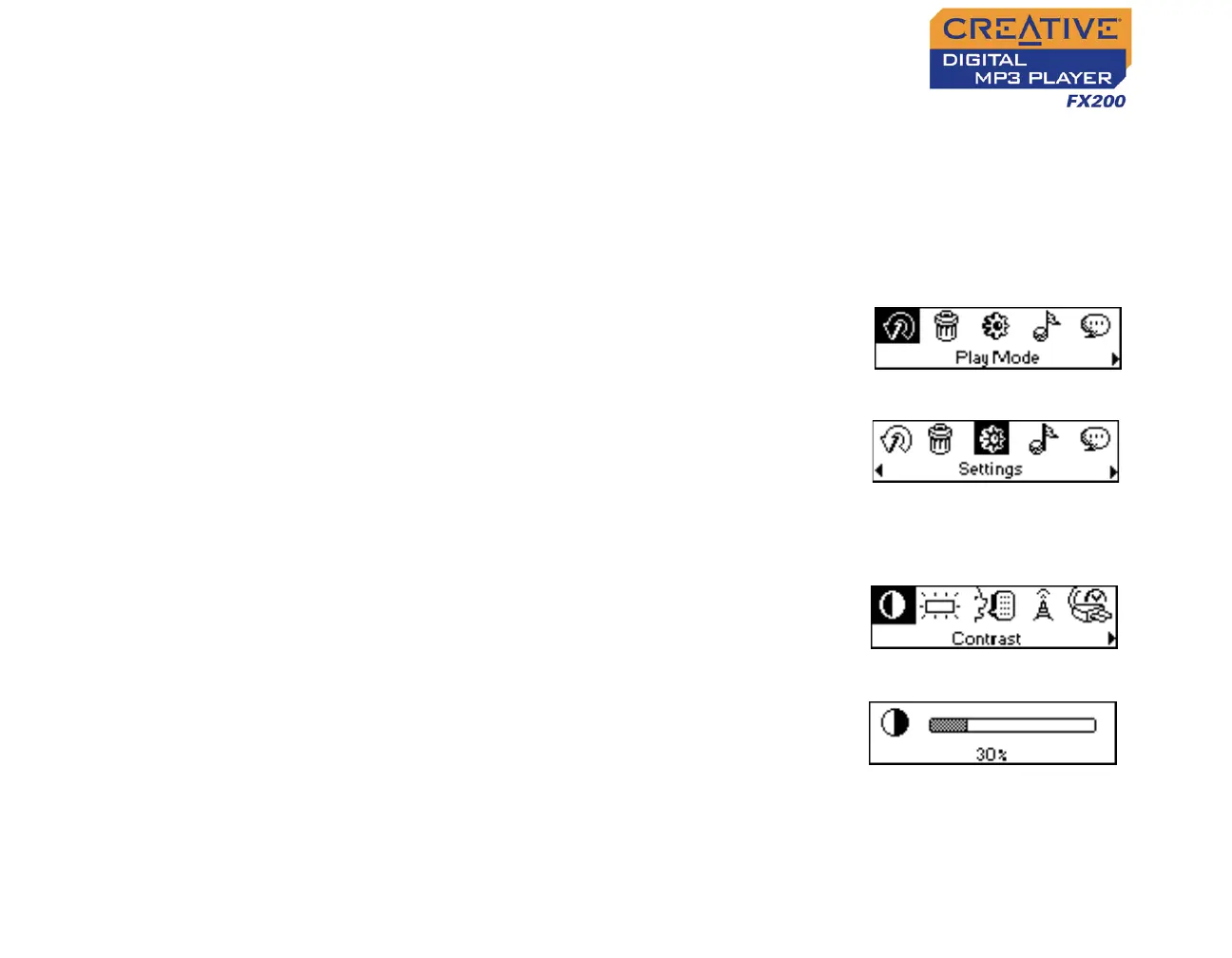
The Main Menu similar to Figure 4-63
appears.
2. Scroll Select the Settings icon (Figure 4-64).
A list appears (Figure 4-65).
Depending on which configuration option you
want, follow the corresponding step:
To set the contrast level for your player’s screen
1. Scroll Select the Contrast icon (Figure 4-65).
The Contrast screen (Figure 4-66) appears.
2. Use the Scroller to increase or decrease the
LCD contrast. The lower the number, the
lower the LCD contrast.
Figure 4-63
Figure 4-64
Figure 4-65
Figure 4-66












 To Next Page