Using Your Player 4-17
To play a recording
1. Press the Scroller.
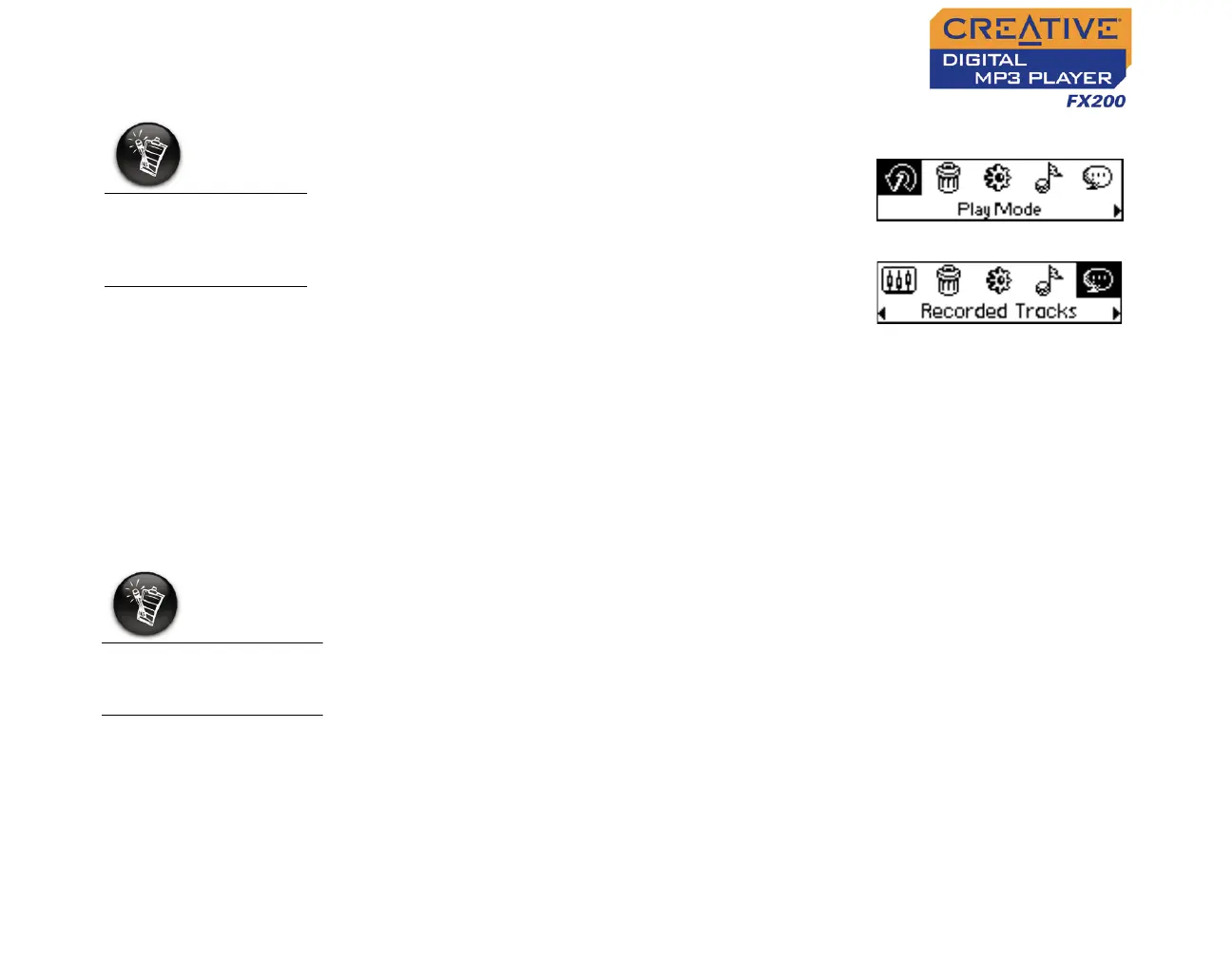
The Main Menu similar to Figure 4-54
appears.
2. Scroll Select the Recorded Tracks icon
(Figure 4-55).
3. Scroll Select a recording you want to listen
to. The track is played back automatically.
To delete a recording, see "Deleting Audio Files" on page 4-19.
EQ Settings
Enhancing Your
Music
Your player allows you to enhance your listening experience with EQ
settings. The EQ settings available in your player include:
❍ Rock
❍ Pop
❍ Classical
❍ Jazz
❍ Custom EQ
❍ Normal
You can use EQ settings with your currently playing audio. This simple
process is described in the following instructions.
A recorded voice file
starts with "VOC"
and an FM radio file
starts with "FM".
Figure 4-54
Figure 4-55
EQ settings are only
available in Music
mode.












 To Next Page