Using Your Player 4-19
3. Scroll Select each vertical control level. Use the Scroller to move the
control knob up or down to vary the amount of boost or reduction in the
selected frequency range.
4. Scroll Select the check mark to exit the Custom EQ screen.
Deleting Audio
Files
This action permanently deletes tracks or recordings from your player.
To delete an audio file
1. Press the Scroller.
The Main Menu similar to Figure 4-60
appears.
2. Scroll Select the Music icon or Recorded
Tracks icon .
3. Scroll Select the track or FM file that you want to delete.
4. Press the Scroller.
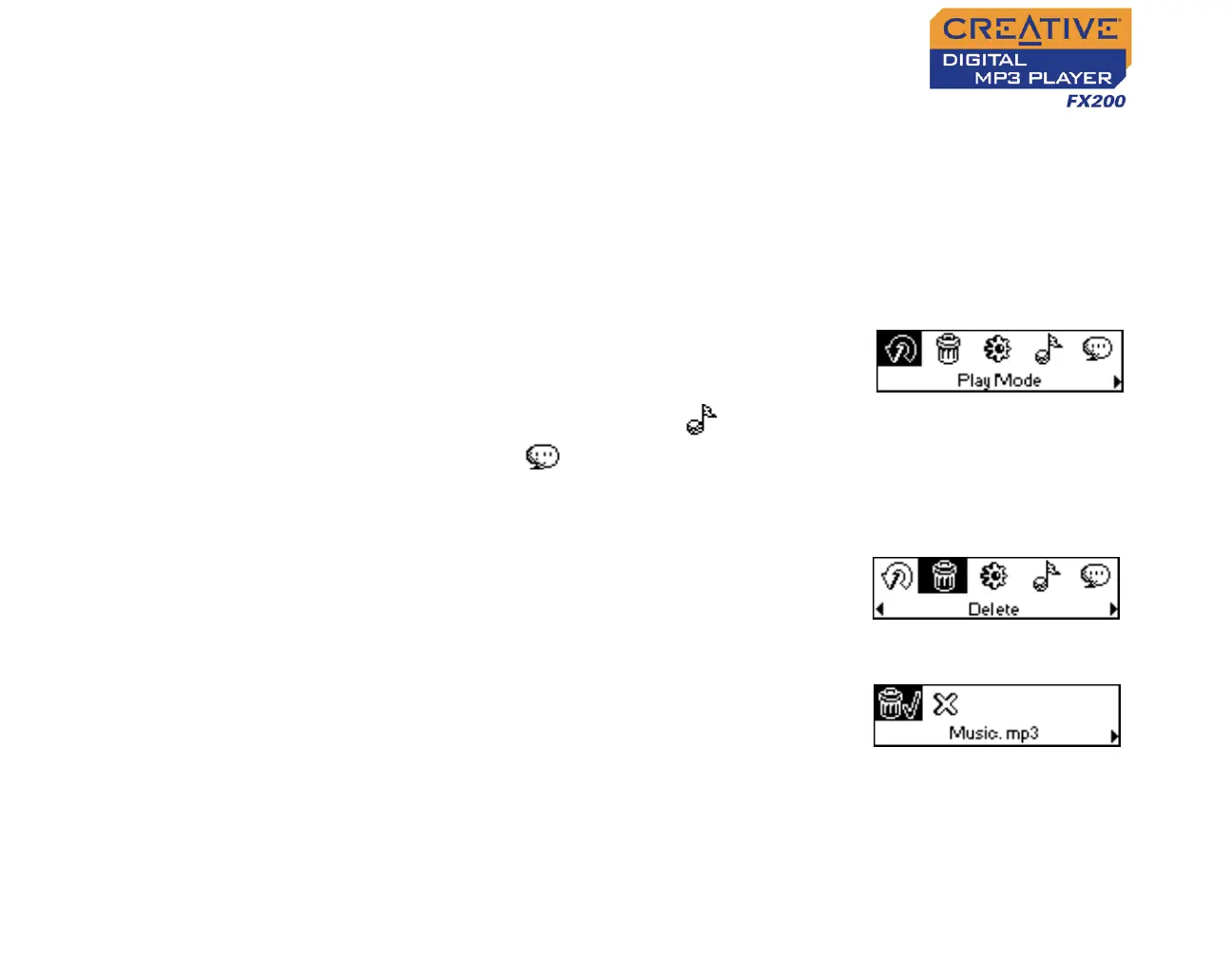
5. Scroll Select the Delete icon (Figure 4-61). A
list appears.
6. Scroll Select the Confirm Delete icon (Figure
4-62). The track or FM file is permanently
deleted from your player.
Figure 4-60
Figure 4-61
Figure 4-62












 To Next Page