Frequently Asked Questions C-3
Files or tracks are corrupted when transferred to the player.
Transfer may have been interrupted. Before disconnecting your player from
your computer, stop your player first.
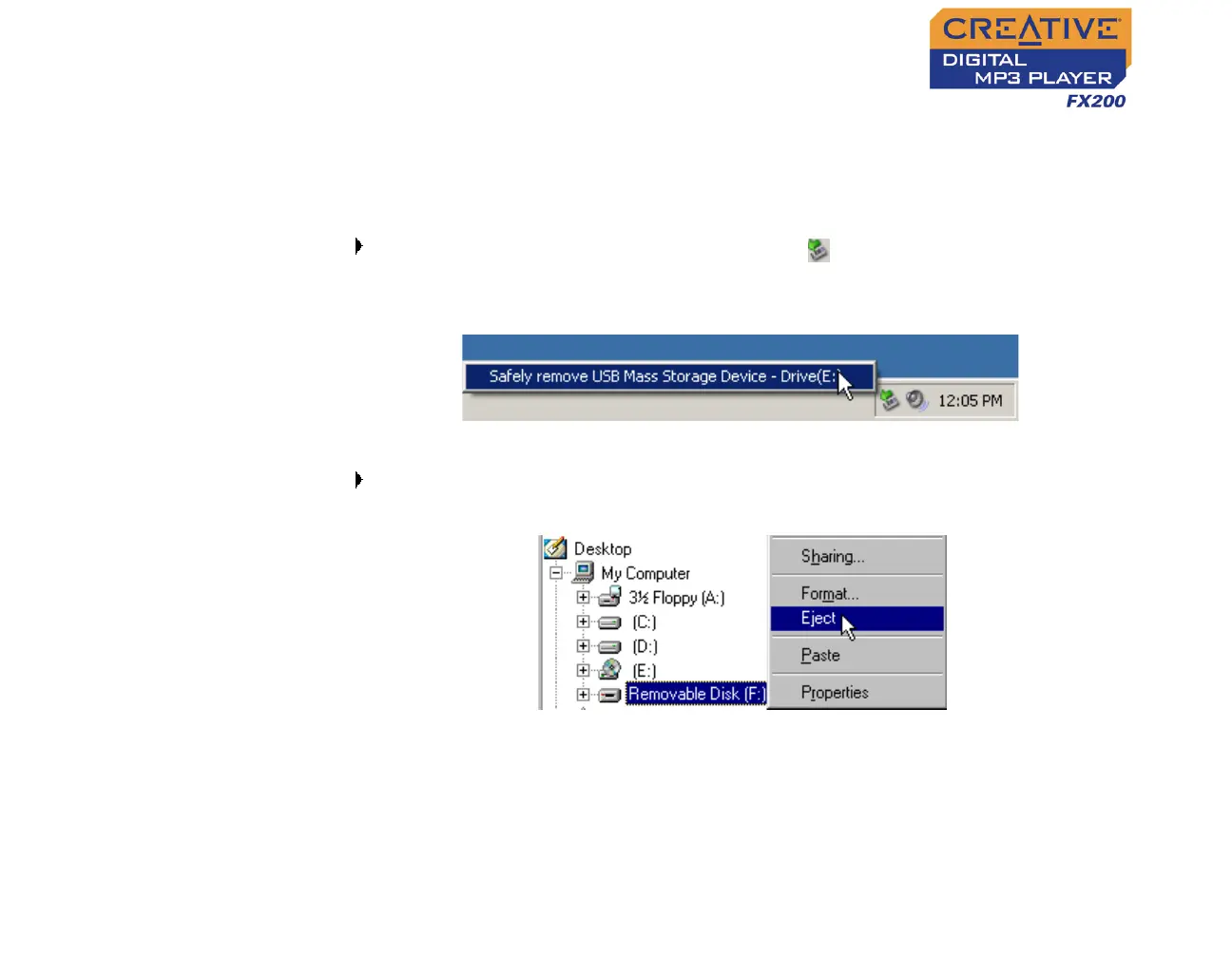
To stop your player in Windows XP, Windows Me or Windows 2000
Click the Safely Remove Hardware icon on the Taskbar, click Safely
remove USB Mass Storage Device, and disconnect your player when you
are prompted to do so.
To stop your player in Windows 98 SE
In Windows Explorer, right-click the Removable Disk icon, click the Eject
option, and disconnect your player when you are prompted to do so.
File transfers to the player are very slow (less than 100 kb/sec).
Try clearing your player’s memory. For more information, refer to "Formatting
Your Player" on page 4-22.












 To Next Page