Using Your Sound BlasterX H7
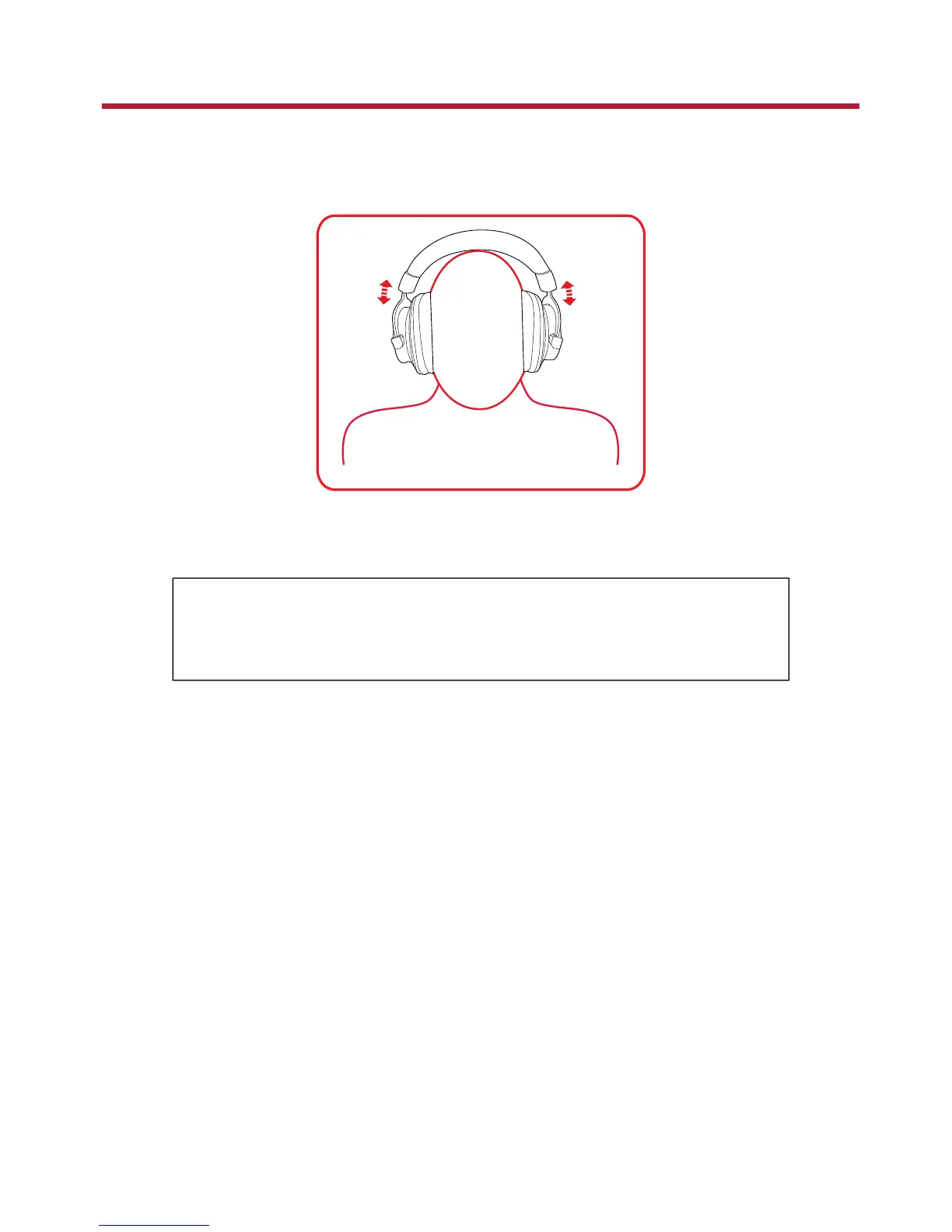
Step 1: Wearing the Headset
Adjust the headband so that the headset rests lightly on your head. Do not tighten excessively.
Step 2: Adjusting the Volume
WARNING:
l Set the volume control at minimum level before connecting.
l Do not listen to audio at high volumes for prolonged periods of time to avoid
impairing your hearing.
The Volume Control on the inline remote control can be used to adjust your headset volume to a
comfortable level.
You can also adjust the volume via the software or the built-in volume settings on your computer.
Sound BlasterX H7 Tournament Edition – Using Your Sound BlasterX H7 5


 To Next Page