EasyManua.ls Logo

Creative MuVo Slim - Page 24

Creative MuVo Slim
75 pages
Print Icon
To Next Page IconTo Next Page
To Previous Page IconTo Previous Page
Loading...
Getting Started 2-3
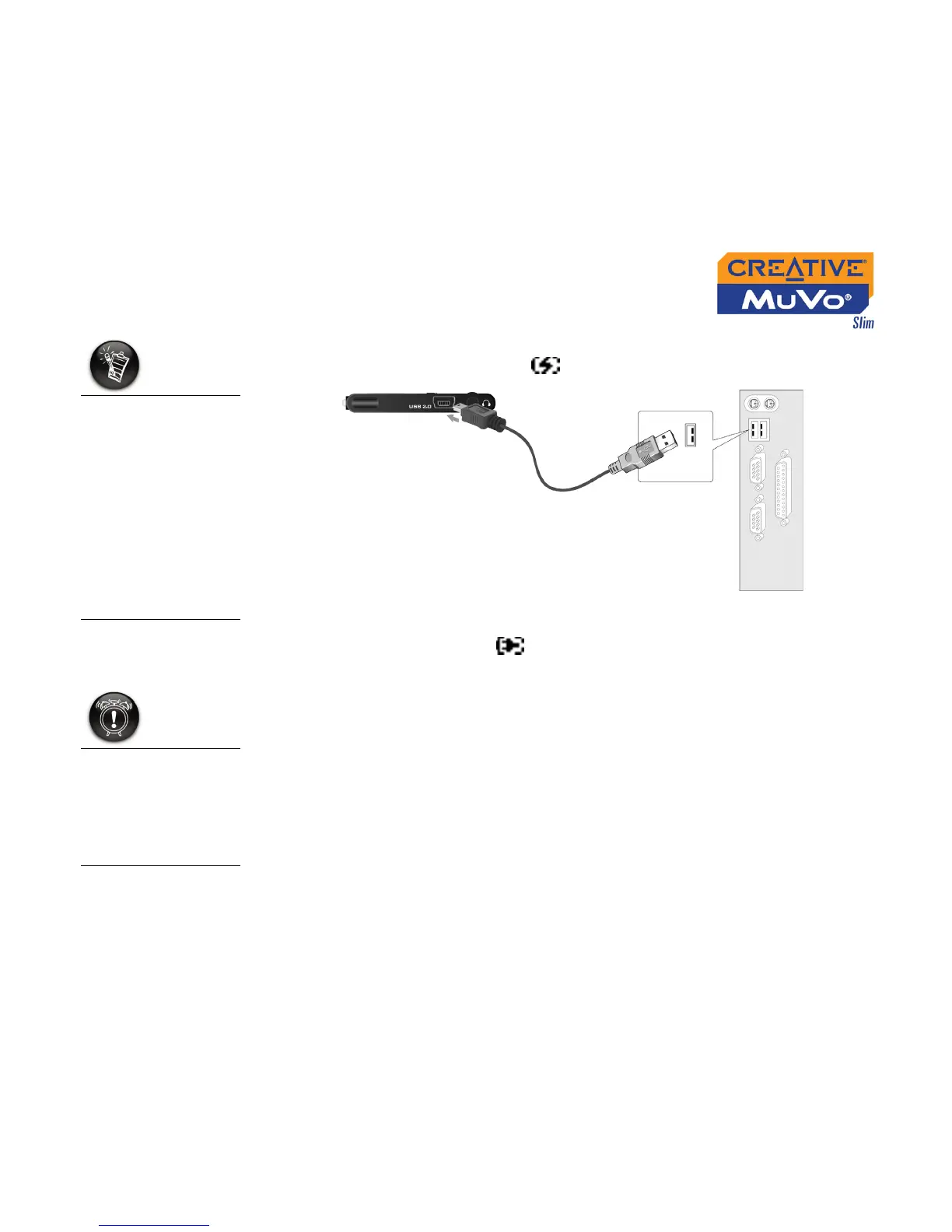
2. Connect your player to your computer’s USB port using the supplied
USB cable (see Figure 2-2). appears on your player’s LCD.
3. Charge the battery until appears on your player’s LCD. Charging
your battery for the first time will take about 3 hours.
4. Disconnect your player from the computer.
You can connect your
player to a USB hub
with an external
power supply. If you
are using a passive or
bus-powered USB
hub, and the charge
symbol does not
display, connect the
player directly to
your computer’s USB
port or to a USB hub
with an external
power supply.
Figure 2-2
Your player must be
disconnected in a
proper manner. For
information on
stopping your player,
see "Usage" on page
C-3.

Table of Contents

Related product manuals