Using Your Player 4-25
Formatting
your Player
You may at times need to clear your player's memory during normal use. Use
Windows Explorer to easily clear your player's memory for the efficient
transfer, storage and playback of music files.
To clear your player’s memory
1. Connect your MuVo Slim to your computer.
2. In Windows Explorer, select the drive your player is assigned to, for
example, Removable Disk (F:) (replace F: with the drive letter of your
player).
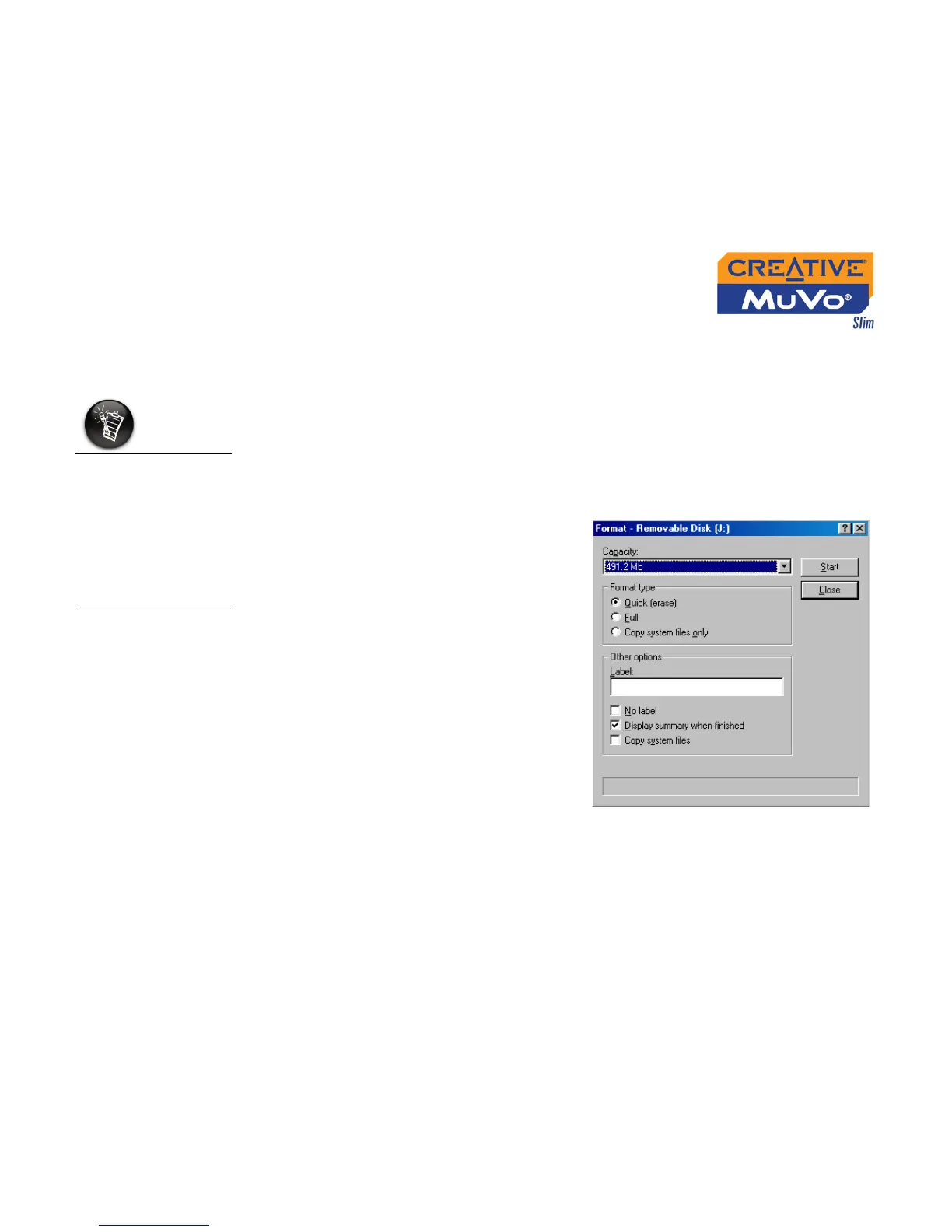
3. Right-click and select Format.
The dialog box similar to Figure
4-78 appears.
4. Click the Start button.
For Windows XP and
Windows 2000,
under the File
Allocation Table
(FAT) system option,
you must select FAT,
instead of FAT32,
before formatting
the player.
Figure 4-78













 To Next Page