Using Your Player 4-5
Changing Play
Modes
Your player has play modes that allow you to change how your tracks are
played back. You can select the play modes during music, voice or FM radio
playback, or when you are in Music or Recordings modes.
The following play modes are available:
❍ A-B
❍ Repeat Track
❍ Repeat All
❍ Repeat Folder (available in Music mode only)
❍ Track Once
❍ Shuffle Repeat
❍ Shuffle Once
❍ Shuffle Folder (available in Music mode only)
❍ Normal
Play modes are disabled by enabling the “Normal” mode as described in
"Playing all tracks" on page 4-9.
Repeating music
You can choose to repeat a track, folder, all tracks or a portion of a track.
1. Press the Scroller.
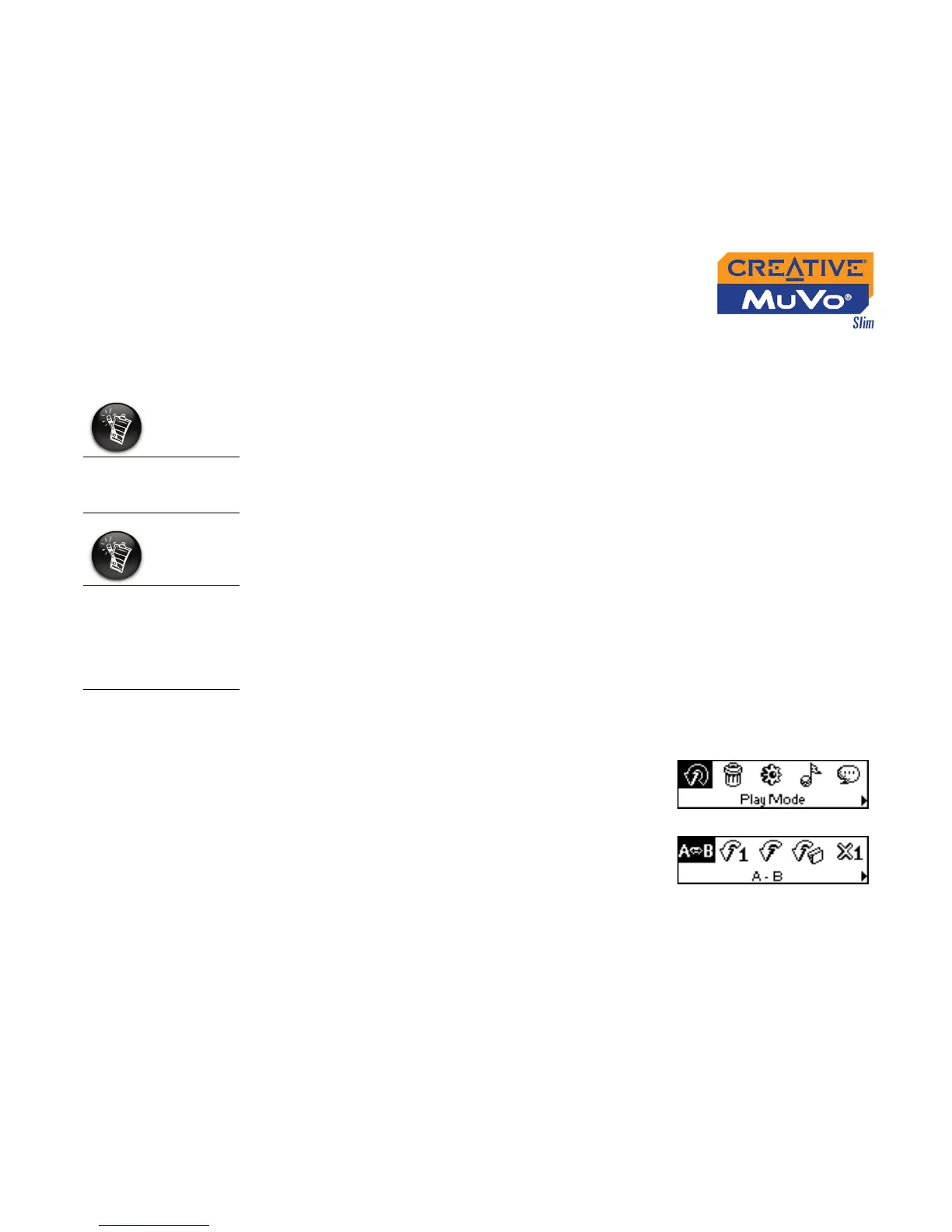
2. Scroll Select the Play Mode icon (Figure 4-7).
A list appears (Figure 4-8).
Only one play mode
can be enabled at a
time.
Play modes are
available in Music
and Recordings
mode, and during
music, voice or FM
radio playback.
Figure 4-7
Figure 4-8













 To Next Page