Using Your Player 4-6
Depending on which mode you want, follow the corresponding step:
To repeat a portion of a track
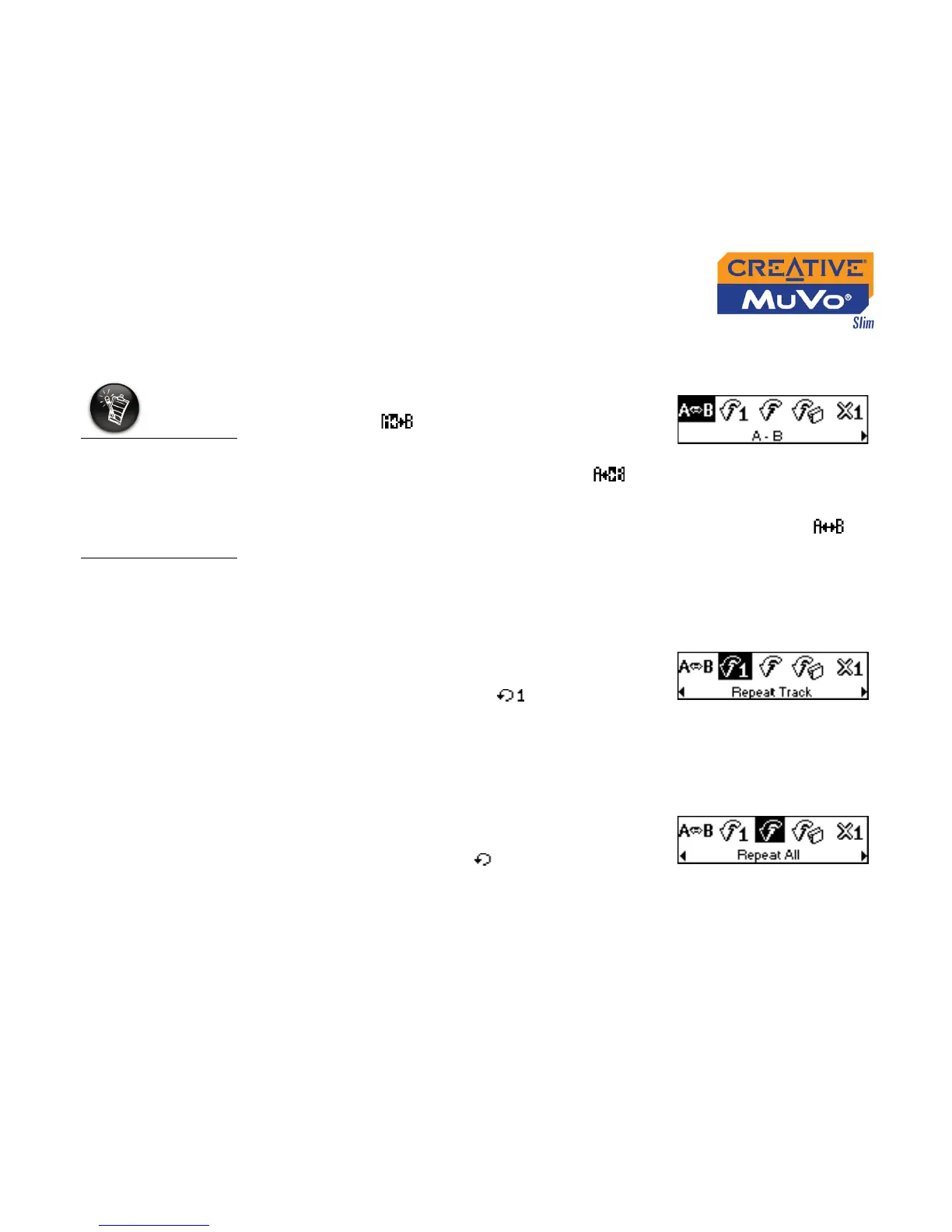
1. Scroll Select the A-B icon (Figure 4-9).
The icon appears on the screen.
2. Press the Scroller to mark the begining of the
portion you wish to repeat. The icon
appears on the screen.
3. Press the Scroller again to mark the end of the portion. The icon
appears on the screen. The marked portion is played back repeatedly.
4. To resume normal playback, enable “Normal” mode as described in
"Playing all tracks" on page 4-9.
To repeat a track in the Playing List
Scroll Select the Repeat Track icon (Figure
4-10).
The Repeat Track icon appears on the
screen and the track is repeated
continuously until you stop it or skip to
another folder.
To repeat all tracks
Scroll Select the Repeat All icon (Figure
4-11).
The Repeat All icon appears on the
screen and all tracks are repeated
continuously until you stop them.
A portion of a track
can only be repeated
once; marking a new
portion will
automatically
remove any markers
in the track.
Figure 4-9
Figure 4-10
Figure 4-11













 To Next Page