Using Your Player 4-19
EQ Settings
Enhancing Your
Music
Your player allows you to enhance your listening experience with EQ
settings. The EQ settings available in your player include:
❍ Rock
❍ Pop
❍ Classical
❍ Jazz
❍ Custom EQ
❍ Normal
You can use EQ settings with your currently playing audio. This simple
process is described in the following instructions.
1. Press the Scroller.
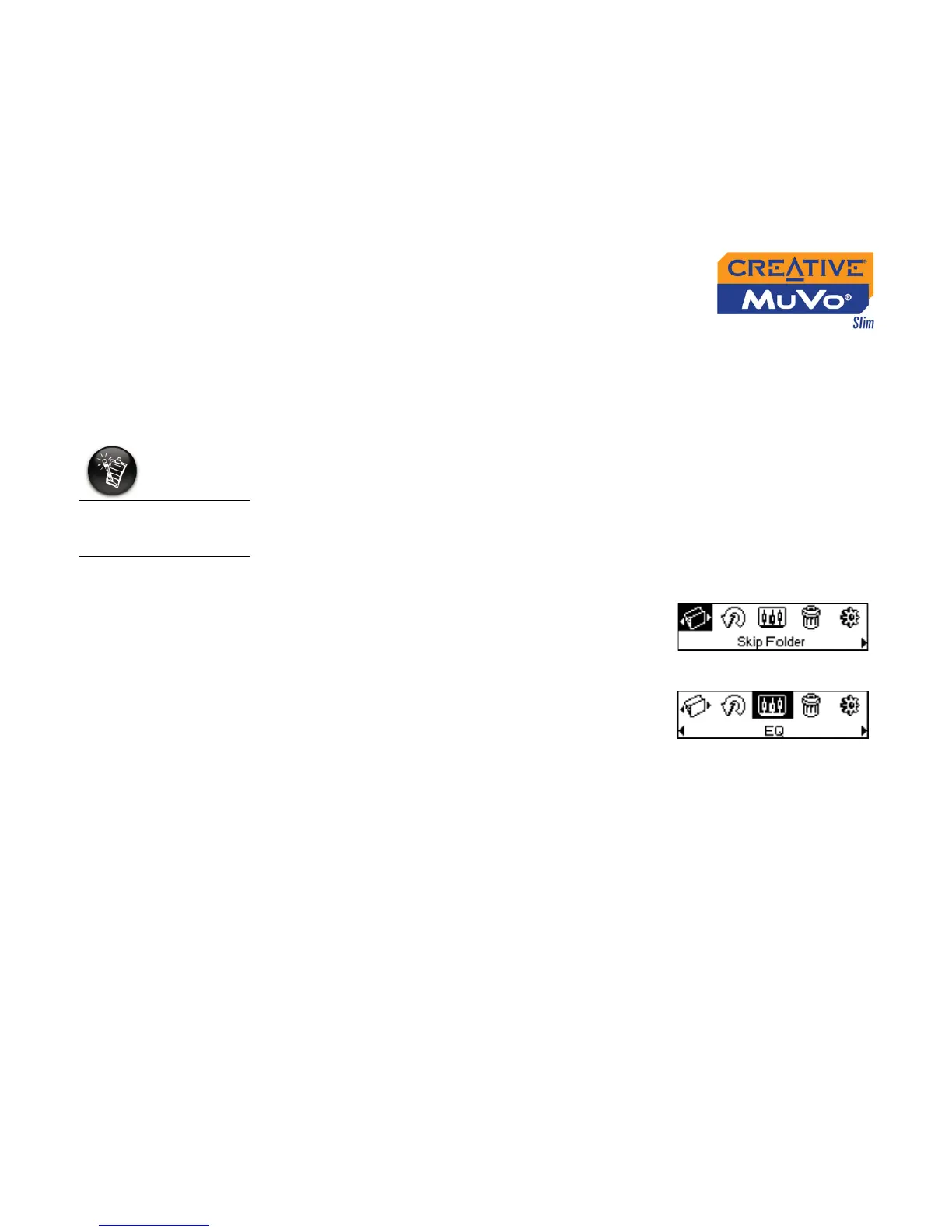
The Main Menu (Figure 4-59) appears.
2. Scroll Select the EQ icon (Figure 4-60).
EQ settings is only
available in Music
mode.
Figure 4-59
Figure 4-60













 To Next Page