Using Your Player 4-18
Playing
Recordings
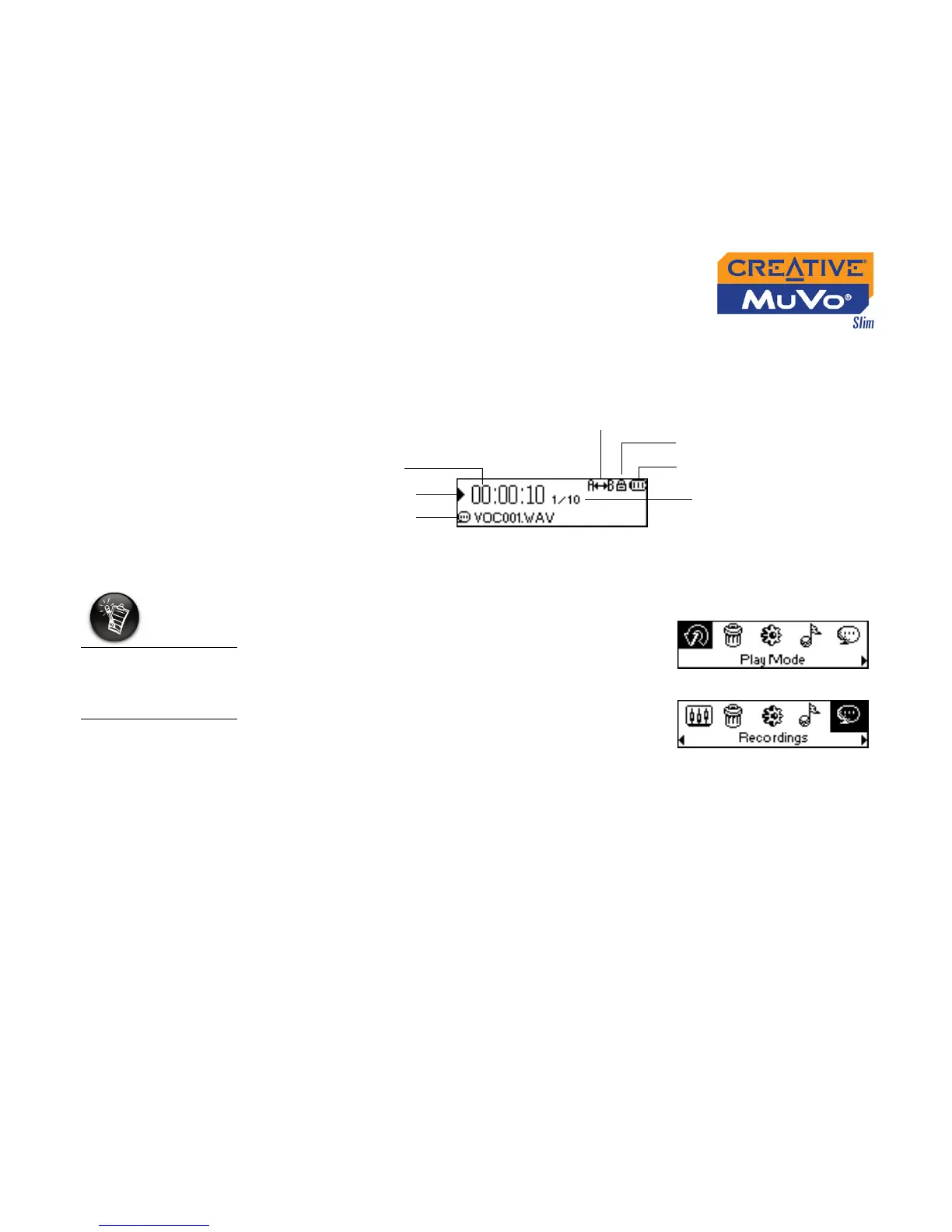
It is simple to play back the voice and FM Radio tracks you have recorded. In
Recordings mode, your player will display the elapsed time, track number
and file name of the recorded track.
To play a recording
1. Press the Scroller.
The Main Menu similar to Figure 4-57
appears.
2. Scroll Select the Recordings icon (Figure
4-58).
3. Scroll Select a recording you want to listen
to. The track is played back automatically.
To delete a recording, see "Deleting Audio Files" on page 4-21.
Recordings mode
Figure 4-56
Play status icon
Elapsed time
Play mode
icon
Battery level
indicator
Lock
Current track number/
Total track number
A recorded voice file
starts with "VOC"
and an FM radio file
starts with "FM".
Figure 4-57
Figure 4-58













 To Next Page