Using Your Player 4-15
Recording
Audio
Another great MuVo Slim feature is its ability to record voice and FM radio.
Recorded voice is encoded directly into IMA ADPCM (at 8 kHz, 4-bit, Mono)
file format and recorded FM radio is encoded directly into IMA ADPCM (at 16
kHz, 4-bit, Stereo) file format.
When recording, note that the available recording time is determined by:
❍ available memory space in your player
❍ battery power remaining in your player
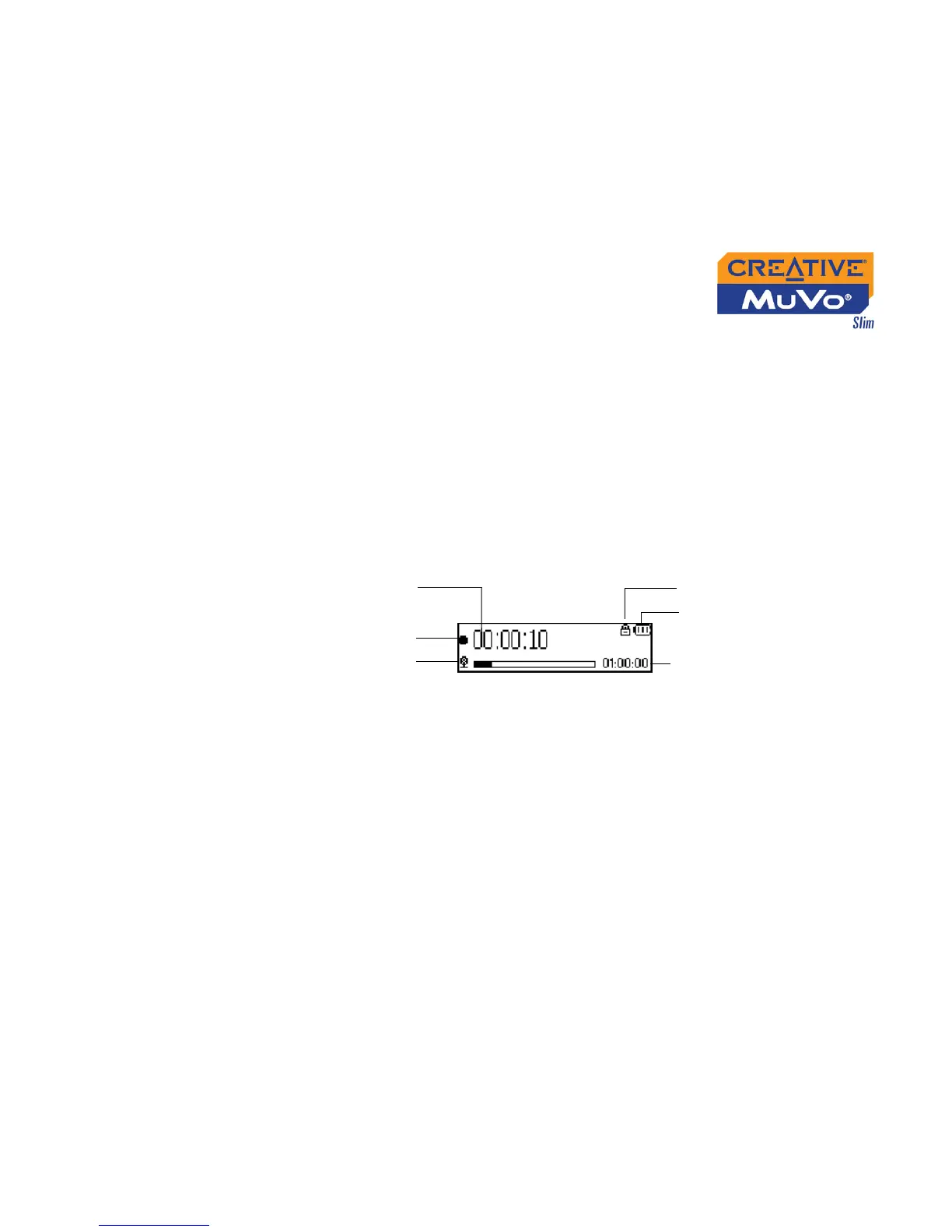
Recording Voice When recording voice, you will see one bar showing you the time available
for recording, and another showing you the elapsed recording time. Also the
microphone icon appears in the bottom-left corner of the LCD screen.
Elapsed recording
time
Remaining time available
for recording
Microphone mode
Figure 4-48
Play status icon
Battery level
indicator
Lock













 To Next Page