Using Your Player 4-14
To switch to FM Preset view or Manual Scan view
In FM Preset view, you can see the preset channels and scroll from one
preset channel to another. If you need to fine-tune the radio channel, switch
to Manual Scan view. The preset channel disappears in this view.
1. Press the Scroller.
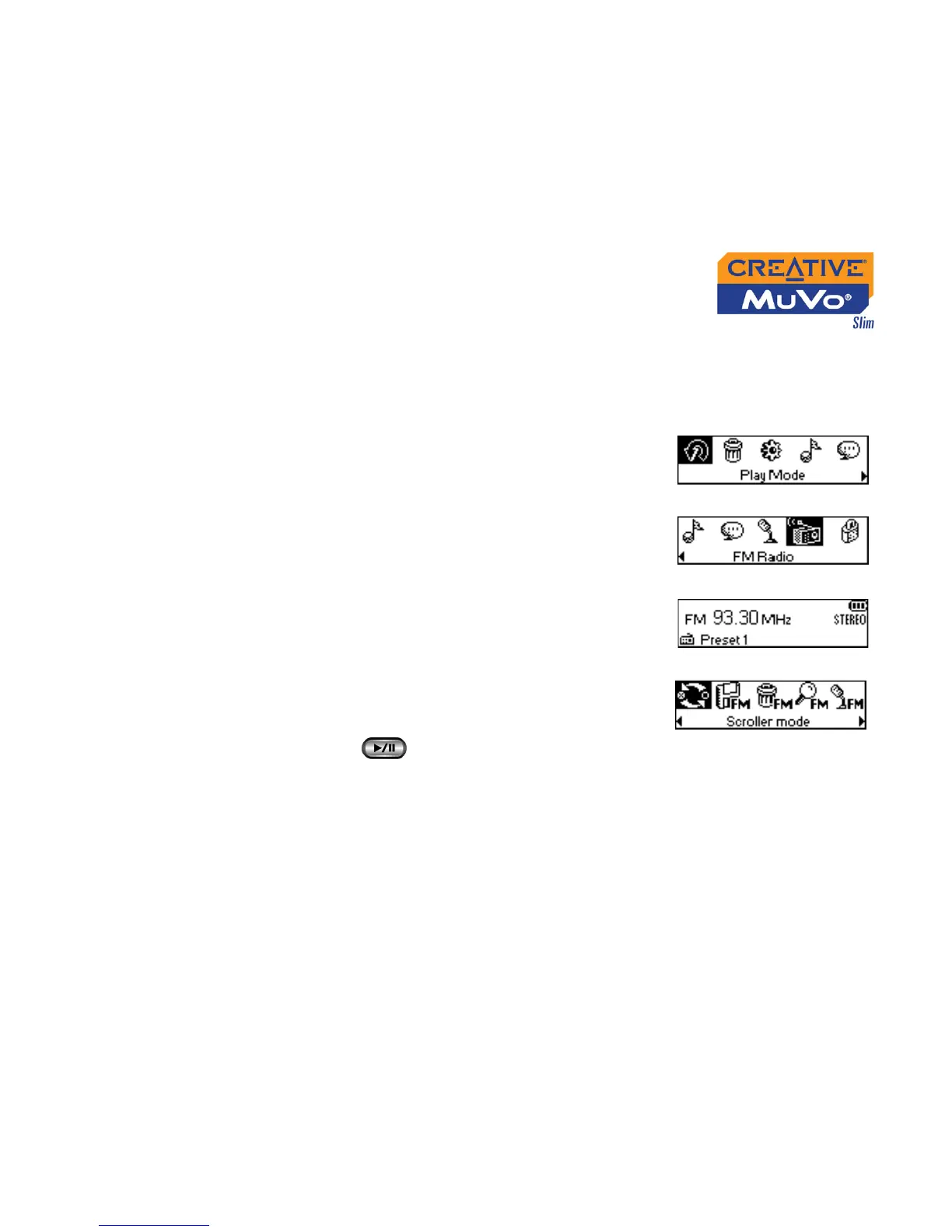
The Main Menu similar to Figure 4-44
appears.
2. Scroll Select the FM Radio icon (Figure 4-45).
A radio frequency appears on the LCD screen
(Figure 4-46).
3. Press the Scroller.
4. Scroll Select the Scroller mode icon (Figure
4-47) to switch to the different views.
Alternatively, you can press the Play/Pause
button to switch to the different views
while playing a station.
Figure 4-44
Figure 4-45
Figure 4-46
Figure 4-47













 To Next Page