Using Your Player 4-10
Listening to FM
Radio
With MuVo Slim, you can listen to your favorite radio station. Your player can
automatically scan for stations available in your region, and store the stations
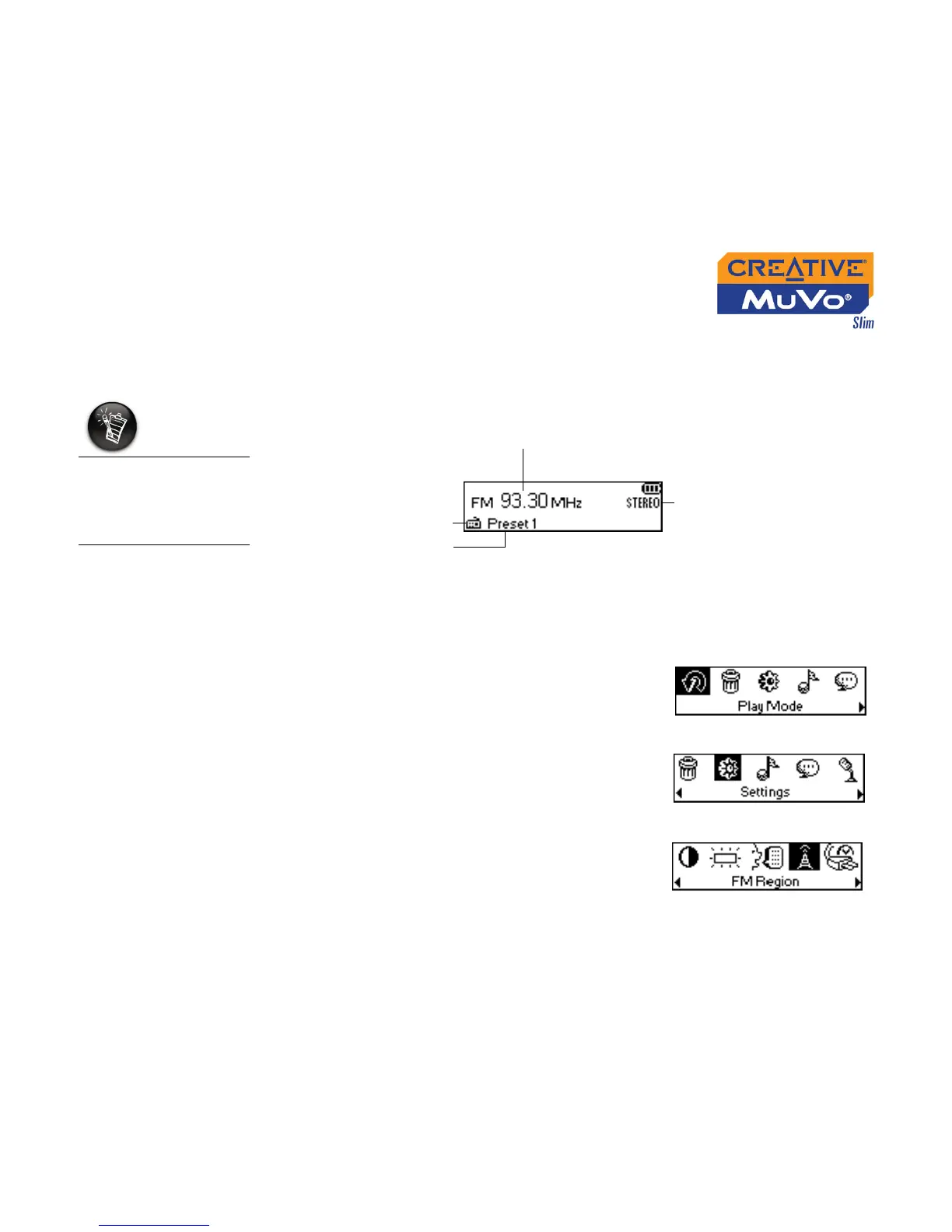
as presets for you. In FM Radio mode, your player will display the current
radio channel and its preset number.
To change the FM region
Perform these steps first when scanning for stations for the first time.
1. Press the Scroller.
The Main Menu (Figure 4-25) appears.
2. Scroll Select the Settings icon (Figure 4-26).
A list appears.
3. Scroll Select the FM Region icon (Figure
4-27). A list appears.
4. Scroll Select the region that you are in.
If there are no saved
preset channels in your
player, the "No preset
found" message will
appear on the screen.
Preset number
FM radio channel
FM radio mode
FM tuning status
Figure 4-24
Figure 4-25
Figure 4-26
Figure 4-27













 To Next Page